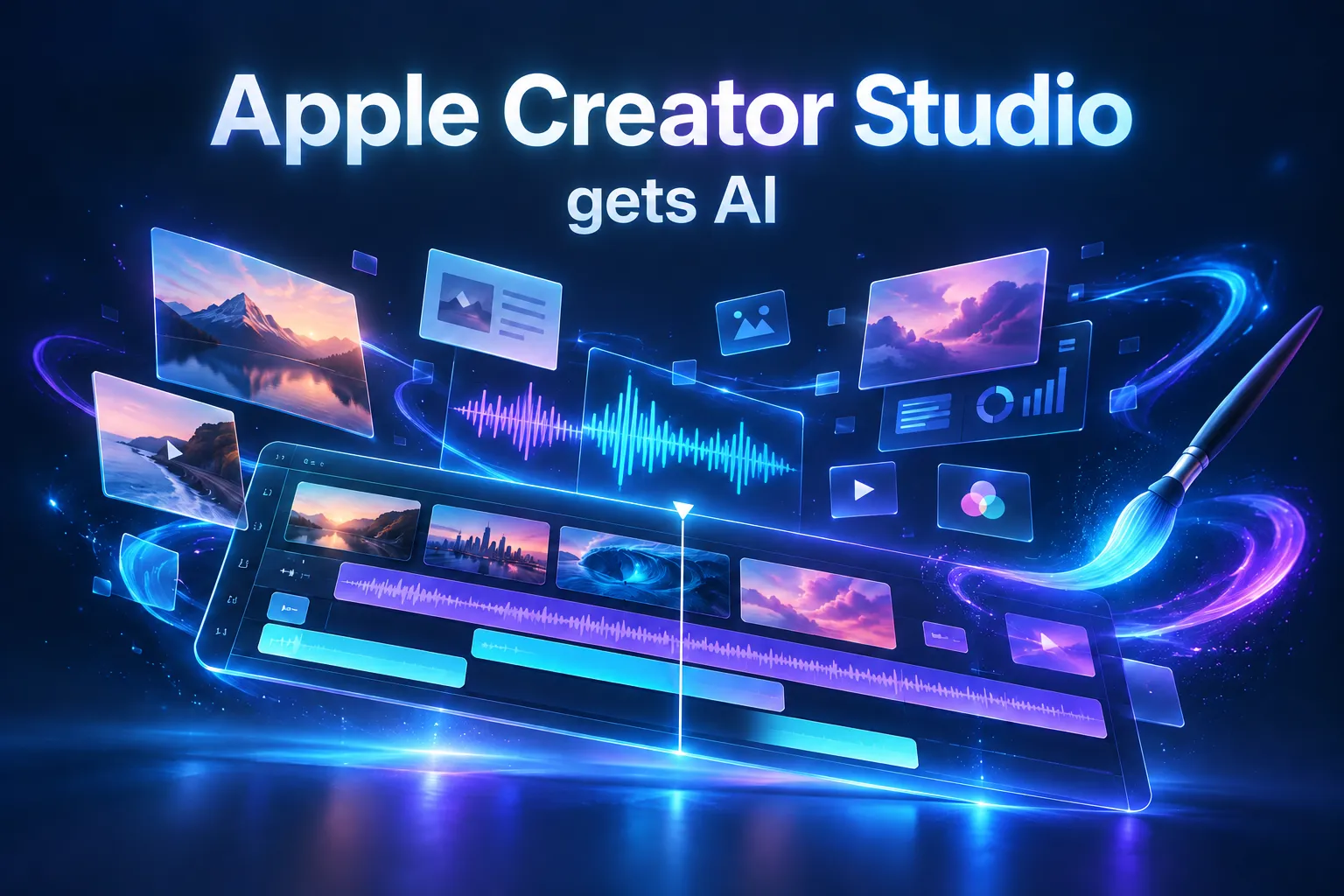
Apple Creator Studio gets AI: what lands in Final Cut Pro, Logic and Keynote in November
On October 27, 2026 Apple announced new AI features for Apple Creator Studio, the subscription with Final Cut Pro, Logic Pro and Pixelmator Pro: MotionVFX in Final Cut Pro, an AI assistant in Keynote, Pages, Numbers and Logic Pro, Generate Fill and MCP support for external AI agents. It ships in November, free for subscribers. Here is what changes and the limits to know.
Leggi questo articolo in italiano
What Apple Creator Studio is and what was announced
Apple Creator Studio is Apple's subscription that bundles Final Cut Pro, Logic Pro, Pixelmator Pro, Motion, Compressor and MainStage, plus premium features in Keynote, Pages, Numbers and Freeform. On October 27, 2026 Apple announced, in an official press release, an update that brings AI features to almost all of these apps.
The features reach the App Store in November 2026 as a free update for current subscribers. Some are in beta, and the Freeform and Pixelmator Pro integration follows later, in December.
In short, the update covers four areas:
- video: MotionVFX built into Final Cut Pro and Motion;
- images: Generate Fill and Super Resolution in Pixelmator Pro, text-to-image in Final Cut Pro;
- AI assistants: in Keynote, Pages, Numbers and Logic Pro, all in beta;
- external agents: Model Context Protocol (MCP) support in Keynote, Pages and Numbers on Mac.
Final Cut Pro, Motion and Pixelmator Pro: what's new for video creators
The most practical change for video editors is that Final Cut Pro for Mac now includes MotionVFX tools for the first time, with "thousands of elements" across templates, titles, transitions, and rotoscoping, tracking and color grading tools. These used to be third-party plug-ins sold separately; now they come with the subscription.
Other Final Cut Pro changes Apple lists:
- Content Hub access with Apple-curated stock video, photos and backgrounds;
- text-to-image generation right inside a project;
- timeline images open in Pixelmator Pro and save changes back automatically;
- more keyframe easing options and clips that can be disconnected from the primary storyline;
- 23 new transcription languages for captions.
Motion gets MotionVFX plug-ins for color grading, 3D camera tracking and one-click selection, plus a new Displacement filter. Pixelmator Pro adds Generate Fill: select an area, describe the edit in words and the app generates it while matching lighting, perspective and texture, with Super Resolution upscaling built in. As MacStories notes, the generated element can stay on a separate layer.
The AI assistant in Keynote, Pages, Numbers and Logic Pro
Keynote, Pages and Numbers get a beta AI assistant that Apple built on its own models and OpenAI's, and that reads the open document for context. In Keynote it helps design, animate and refine slides; in Pages it drafts, restructures and polishes text; in Numbers it runs calculations, recommends charts with a preview and builds tables.
Logic Pro for Mac gets a beta assistant for musicians: it helps you set up workflows, start a song, prepare vocal tracks from a prompt and refine a project. Apple mentions its own and third-party models; MacStories names Apple and OpenAI. Logic Pro also gets a Liquid Glass redesign, a Browser that organizes loops and instruments with on-device audio analysis, and a Stem Splitter that can now separate drums.
Limits to know. The assistants are in beta, work in U.S. English only and require iOS 27, iPadOS 27 or macOS 27 on an Apple Intelligence-capable device; the Logic Pro assistant is Mac-only. Apple has not said when other languages will follow.
MCP in Keynote, Pages and Numbers: AI agents enter Apple's apps
On Macs running macOS 27 or later, Keynote, Pages and Numbers support the Model Context Protocol (MCP), the open standard that lets external AI agents and tools read document content, make edits and automate actions. It is the first time these apps officially open up to third-party agents.
In practice, an assistant such as Claude or ChatGPT connected over MCP could build a Keynote deck from your notes, or update a Numbers table with data from somewhere else, with no copy and paste. Apple is also adding the Keynote Interchange Format (.keyx), an open JSON-based format designed so external tools and AI agents can read and write presentations.
MCP support is Mac-only. It follows the same direction as AI agents that work inside your apps, such as Anthropic's Claude Duet and OpenAI's GPT-6.1 Terra.
Price, requirements and release timing
The update is free for existing Apple Creator Studio subscribers and arrives in November 2026; in the US the subscription costs $12.99 a month or $129 a year, with a one-month free trial. The press release lists US pricing only.
| Item | Detail (source: Apple) |
|---|---|
| Subscription | $12.99/month or $129/year (US), one month free |
| With a new eligible Mac or iPad | three months free |
| Students and educators | $2.99/month or $29.99/year |
| Keynote, Pages, Numbers assistants | beta, U.S. English, iOS/iPadOS/macOS 27 with Apple Intelligence |
| MCP | Mac only, macOS 27 or later |
| Final Cut Pro for Mac | macOS 26.6 or later |
The apps can still be bought once on the Mac App Store (Final Cut Pro $299.99, Logic Pro $199.99, Pixelmator Pro $49.99), while Keynote, Pages, Numbers and Freeform stay free; the premium features and the assistant require the subscription.
What it means for you as a creator
If you work on a Mac, this update folds tools you used to buy separately into one subscription: MotionVFX effects, image generation and an assistant for slides, writing and music. Here is how to get ready:
- Check the requirements. The newest AI features need macOS 27 and an Apple Intelligence Mac: confirm yours before subscribing.
- Use MotionVFX for short-form video. Ready-made titles, transitions and tracking cut editing time on reels and ads.
- Write clear prompts. The assistant is in beta: always review what it changes.
- Think about agents. With MCP an external AI assistant can prepare decks and reports for you, but only clear instructions make that useful.
If you want to automate editing with AI, whatever app you use, start with AI Editing Automation or the automatic AI editing method; if you edit on your phone there is CapCut Mobile Mastery. To create the clips you will edit with AI video models, see AI Filmaking, and to put an AI assistant to work on documents and decks, Claude Business OS. For images and graphics, read our piece on Canva Craft and the Nano Banana guide. The complete path to creating with AI is The AI Creator System.
Frequently asked questions
What is Apple Creator Studio?
It is Apple's subscription bundling Final Cut Pro, Logic Pro, Pixelmator Pro, Motion, Compressor and MainStage, plus premium features in Keynote, Pages, Numbers and Freeform. In the US it costs $12.99 a month or $129 a year.
When do the new Apple Creator Studio AI features arrive?
Apple announced them on October 27, 2026 and is releasing them in November 2026 as a free update for subscribers. The Freeform and Pixelmator Pro integration arrives in December.
Which languages does the Keynote AI assistant support?
At launch, U.S. English only: the Keynote, Pages, Numbers and Logic Pro assistants are in beta. Apple has not given a date for other languages.
What does MCP support in Keynote mean?
On a Mac running macOS 27, an external AI agent connected through the Model Context Protocol can read a presentation, document or spreadsheet, edit it and automate actions for you.
Which AI models does Apple use for the assistant?
According to Apple, the Keynote, Pages and Numbers assistant uses Apple and OpenAI models and reads the context of the open document. For Logic Pro, Apple mentions its own and third-party models.
Read next