Canva Craft: what Canva's first in-house image model is, how to use it and what it means for you
Canva Craft is the first image generation model built entirely by Canva, unveiled on October 22, 2026 by its Canva Research lab. It plans the composition and the text first, then renders the image at up to 2K, and it is already available to every Canva user in Dream Lab. Here is how it works, how it stacks up against OpenAI and Google, and how to use it for your content.
Leggi questo articolo in italiano
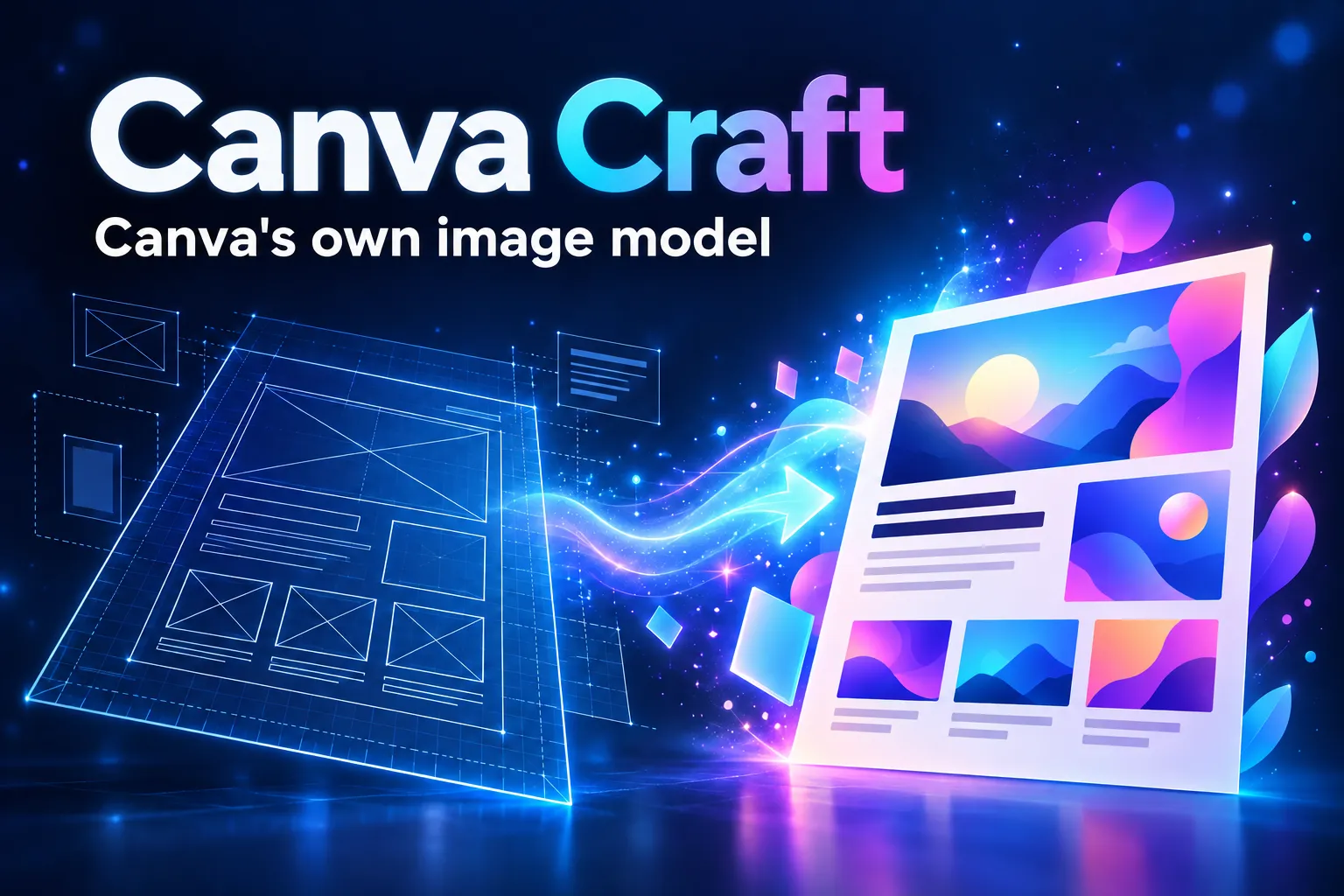
What Canva Craft is and when it launched
Canva Craft is the first image generation model developed in-house by Canva. The company unveiled it on October 22, 2026 in its official announcement, describing it as the first foundation model built and trained from scratch by Canva Research, the AI lab Canva introduced publicly on October 21, 2026.
Until now, Canva's AI tools relied largely on other companies' models or on acquired technology such as Leonardo.ai. With Craft, Canva generates images with a model of its own. According to Tech Times, which laid out the background on October 23, 2026, cost is one reason: after Canva AI 2.0 launched in April 2026, spending on third-party models ran over budget, and Canva has been moving more work onto its own models.
Every performance figure in this article is claimed by Canva, unless we name another source.
How it works: plan first, then render
The main difference between Canva Craft and many image generators is that it works in two stages, the way a designer would:
- Planning. A first model reads your request and writes a composition plan: which elements should appear, where they go and which words must be written in the image.
- Rendering. A second model draws the image from that plan, at up to 2K resolution.
According to Canva and Unite.AI, Craft was trained on millions of design templates from Canva's library (posters, presentations, menus, infographics) rather than mainly on photographs. Tech Times adds that after training, the model was refined with feedback from professional designers, who made 25,000 side-by-side comparisons.
| Feature | What Canva claims |
|---|---|
| Resolution | Up to 2K |
| Formats | More than 30 aspect ratios, or a custom ratio |
| Prompts | In any language |
| Text in the image | Generated in 55 languages |
| Editing afterwards | Magic Layers turns the image into editable layers |
For anyone making social graphics and ads, text is what matters: a model that plans the words before drawing them promises legible lettering, which is exactly where AI images have traditionally failed.
Where to use Canva Craft: Dream Lab, the API and what is coming
Canva Craft is available to every Canva user inside Dream Lab, the image generation tool you open from the left-hand panel of the editor. According to Tech Times it is on every plan, including the free one, which includes up to 20 AI uses a month; the Pro plan includes up to 200 Premium uses. Canva has not published a separate price for Craft.
Developers can reach Craft through Canva's public API. Tech Times points out, however, that the image generation endpoint is still in preview: it may change without notice, and public apps that use it cannot pass Canva's review yet.
Three things are announced only, with no date:
- Craft-fast and Craft-ultrafast, faster and cheaper versions;
- integration with the Canva MCP Server, which would let AI assistants such as Claude call Craft directly;
- shorter generation times: according to Tech Times a job currently takes about 50-60 seconds.
How good is it: a DesignArena ranking to read with care
Canva says Craft debuted in 4th place overall on DesignArena, a public leaderboard where people vote between two generated images without knowing which model made them. That is the basis for Canva's claim to be the "second most advanced AI lab" for image generation: the three models ahead of Craft all come from OpenAI.
According to Tech Times, on October 22-23, 2026 Craft had an ELO score of 1,341, behind three OpenAI GPT Image models and ahead of Reve 2.1, Microsoft's MAI-Image-2.6 and Google's Nano Banana 2.1. Canva also claims 1st place for people and portraits (out of 87 models) and for landscapes and nature (out of 85), 2nd for abstract and patterns and 4th for products.
Caution: Tech Times could not verify the category placements on the public leaderboard, saw 20-point swings within minutes and reports that Canva itself calls the placement preliminary. As of October 26, 2026 there are no independent side-by-side comparisons: test Craft on your own work before switching tools.
If you already work with Google or OpenAI models, our guides to Nano Banana and ChatGPT Images (in Italian) help you compare results with the same prompts.
What it means for you as a content creator
For anyone who makes graphics, Canva Craft brings image generation into the same tool where you lay out your designs. Here is how to test it properly:
- Start from a real format. Ask Craft for a post, a cover or an ad with the text already in it, in the aspect ratio you will actually use, and check whether the lettering comes out right.
- Check your language. Canva claims text in 55 languages but the announcement does not list them: test accents and punctuation before using it for a client.
- Use Magic Layers. Turn the generated image into editable layers and fix text and colors by hand instead of regenerating everything.
- Compare with the same prompt. Run the same request on Craft and on the model you use today: the leaderboard is preliminary, your own results are not.
- Watch your credits. The free plan has few AI uses a month: spend them on tests, not on batch production.
The prompt matters more than the model: if you want consistent marketing images in series, the Nano Banana Pro Guide gives you more than 700 prompts and a reusable structure that adapts well to other models too. For ads, 500 Creative Ads Prompts gives you angles and hooks to test, and if you use Canva for carousels, 50 Viral TikTok Carousel Prompts gives you the text and image for every slide. It is the same race toward in-house models we covered with Meta Muse Wonder; here is also how we use artificial intelligence.
Frequently asked questions
What is Canva Craft?
It is the first image generation model built and trained from scratch by Canva Research, Canva's AI lab. It was unveiled on October 22, 2026.
Where can I find Canva Craft?
In Dream Lab, the image generation tool you open from the left-hand panel of the Canva editor. Developers can use it through Canva's public API, where image generation is still in preview.
Is Canva Craft free?
According to Tech Times, Craft is available on every plan, including the free one, within your plan's monthly AI uses (up to 20 a month on the free plan). Canva has not published a separate price for Craft.
Is Canva Craft better than Nano Banana or GPT Image?
Canva claims 4th place on DesignArena, behind three OpenAI models and ahead of Google's Nano Banana 2.1. The placement is preliminary and there are no independent comparisons yet, so test it on your own use cases.
Can Canva Craft write text in images?
Yes: a planning model first decides the words and where they go, then the rendering model draws the image. Canva claims text in 55 languages.
Read next
Sources checked on October 26, 2026
- Canva Newsroom — Introducing Canva Craft (22 ottobre 2026)
- Canva Newsroom — Introducing Canva Research (21 ottobre 2026)
- Tech Times — Canva Craft Ranks Above Google, Microsoft, Meta on Day One; API Still Preview (23 ottobre 2026)
- Unite.AI — Canva Debuts Craft Image Model Built by Its In-House Research Lab (22 ottobre 2026)