Kling Image 4.0: Kling AI's new model makes 8K images with long text and consistent sets
Kling AI, Kuaishou's platform best known for video, introduced Kling Image 4.0 on November 17, 2026: an image model that, according to the company, is the first to generate at native 8K, renders up to 2,000 characters of text in a single image and creates sets of 10 consistent images from one prompt. Here is what it really does, what still needs checking and how to use it for graphics, products and ads.
Leggi questo articolo in italiano
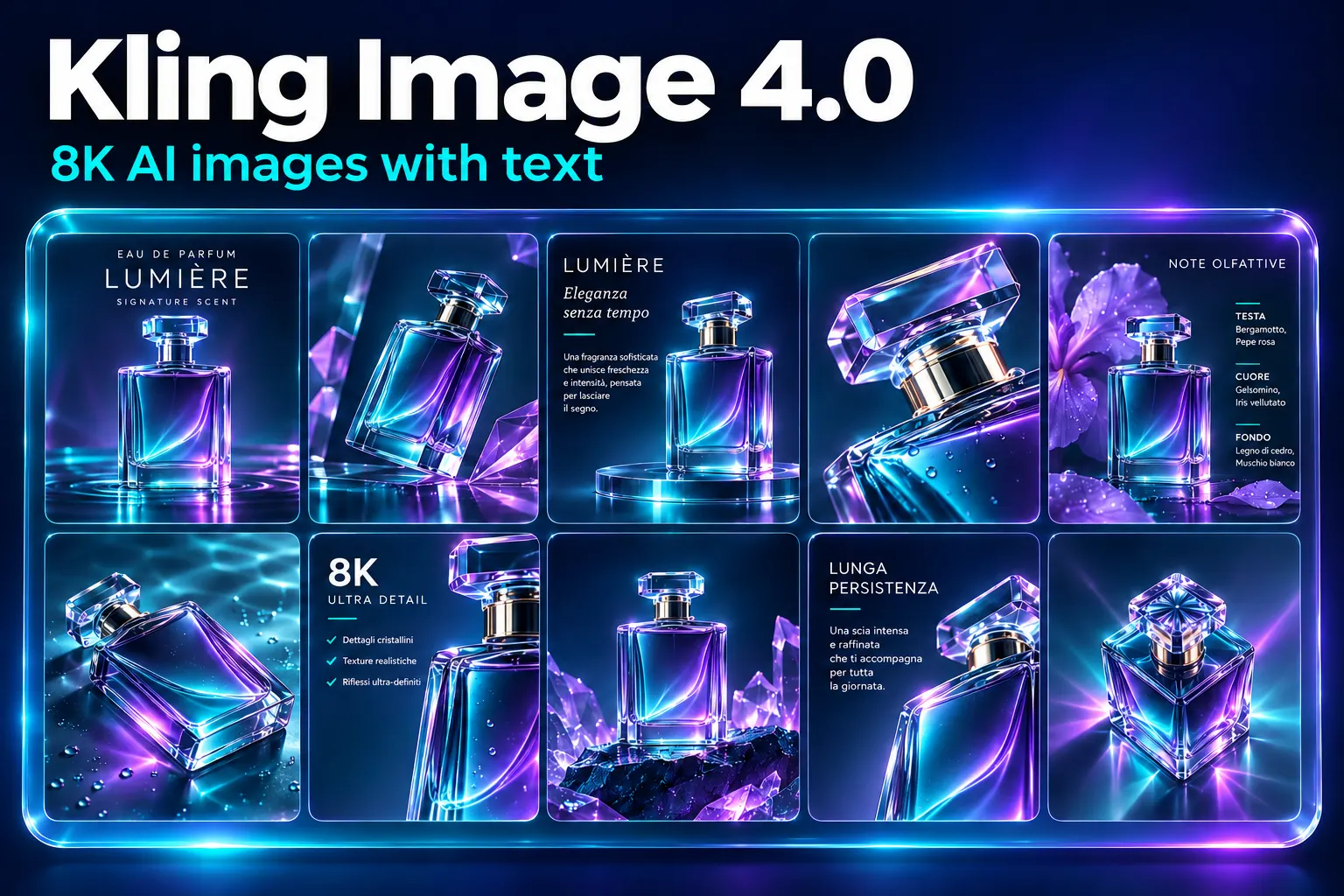
What Kling Image 4.0 is and when it launched
Kling Image 4.0 is the new image generation model from Kling AI, the artificial intelligence platform of Chinese group Kuaishou. It was announced on November 17, 2026, in a press release from Beijing, shortly after Kling 4.0, the company's video model. They are two different products: Kling Image 4.0 only makes still images.
You use the model in the Creative Studio of the Kling AI app, where you pick Kling Image 4.0 from the model menu, and through the API platform for developers and businesses. According to the official page, prompts can run up to 15,000 tokens, so you can describe a complex graphic in full detail rather than in one line.
Kling names film, advertising, marketing and design as its target users. In practice, it is built for people who need to deliver finished images, with readable text and one consistent style across several formats.
Native 8K and up to 2,000 characters of text
The headline feature is resolution. The official page says Kling Image 4.0 generates images at native 2K, 4K and 8K, meaning it does not upscale a smaller image afterwards. Kling claims it is the first model in the industry to do this.
The second big change is text inside the image, long the weak spot of image generators. According to Kling, the model renders up to 2,000 characters in one image: headlines, product descriptions, multi-block layouts. You get:
- 70+ preset fonts with commercial licenses;
- the option to upload a reference image to copy a type style;
- text and font editing after generation, without starting over.
Mind the language list: according to the press release and VP Land, in-image text supports 7 languages: English, Japanese, Korean, Spanish, Portuguese, Simplified Chinese and Traditional Chinese. If you design in another language, test accents and long words before you ship.
Sets of 10 consistent images and 10 references
The most useful feature for campaign work is Series Mode: from a single prompt, Kling Image 4.0 creates up to 10 related images with the same style and subject, varying framing, camera angles and content. Kling suggests it for storyboards, multi-angle product shots and presentations.
As input, the model takes up to 10 reference images to guide characters, products, composition or style. For color there is a Tone Library with 110+ presets; you can also set HEX or RGB values or pull a palette and lighting from a reference image.
| Feature | What Kling says |
|---|---|
| Resolution | native 2K, 4K and 8K |
| Text per image | up to 2,000 characters, 7 languages |
| Fonts | 70+ commercially licensed, or from a reference |
| Sets | up to 10 consistent images per prompt |
| References | up to 10 images |
| Color | 110+ tones, HEX/RGB or from a reference |
According to VP Land, citing Chinese outlet Jiemian, the model can also generate long product pages and website visuals in one pass, with text and images editable on separate layers.
What still needs checking
Kling says Kling Image 4.0 Preview leads the Artificial Analysis leaderboard for text-to-image and image editing, and ranks third in UI/UX design scenarios. That is a company-reported claim about the Preview version: neither the press release nor VP Land verifies it independently.
The rest of the performance story, from photographic realism to text rendering, also rests on Kling's own statements for now. The press release gives no pricing and no limits by country or plan. Before you move a workflow to Kling Image 4.0, run a test with your own prompts and compare the output with the model you use today.
What it means for you as a content creator
Kling Image 4.0 mainly changes two jobs: text-heavy graphics (carousels, posters, product sheets) and consistent sets for a campaign. If you currently generate ten images one at a time and then fix them because the product keeps changing shape, Series Mode saves you time. Native 8K matters for print and large formats; for social media, 2K is enough.
The model does not replace method, though: you still need a well-built prompt that spells out subject, style, lighting and text. To learn reusable image prompting, start with the Nano Banana Pro Guide, whose principles carry over to Kling. If you use images for ads, the 500 Creative Ads Prompts give you angles, packshots and lifestyle scenes to turn into sets, and for a complete path that brings together images, video, voice and selling there is The AI Creator System.
To compare it with other recent options, read our articles on Microsoft's MAI Image 2.7 and ChatGPT Images 2.6, plus our Kling AI guide and our guide to Nano Banana.
Frequently asked questions
When was Kling Image 4.0 released?
Kling AI announced it on November 17, 2026, in a press release from Beijing. It is an image model, different from the Kling 4.0 video model.
Does Kling Image 4.0 really generate in 8K?
According to the official page it generates at native 2K, 4K and 8K, with no upscaling step. Kling claims to be the first to do this; the claim has not been independently verified.
Which languages can Kling Image 4.0 write in images?
Seven: English, Japanese, Korean, Spanish, Portuguese, Simplified Chinese and Traditional Chinese, according to Kling's press release.
How many images can it make from one prompt?
With Series Mode, up to 10 consistent images with the same style and subject. It also accepts up to 10 reference images.
Where can I use Kling Image 4.0?
In Kling AI's Creative Studio, by picking Kling Image 4.0 from the model menu, and through Kling's API platform for developers and businesses.
Read next
Sources checked on November 21, 2026
- Kling AI — Kling Image 4.0: Create Lifelike Images in Native 8K (pagina ufficiale)
- European Business Magazine (comunicato Media OutReach) — Kling AI Launches Kling Image 4.0 with Photographic Realism and Native 8K Generation (17 novembre 2026)
- VP Land — Kling Image 4.0 Launches With Native 8K Output and Up to 10 Matching Images per Prompt (18 novembre 2026)