ChatGPT Images 2.6: ChatGPT now makes animated GIFs and remembers your characters
OpenAI introduced ChatGPT Images 2.6 on November 4, 2026: ChatGPT now turns a prompt or a photo into an animated GIF, lets you save reference images of yourself, your pet or your characters to reuse, and developers get two new models, GPT-Image-2.6 Flare and Sunburst. Here is what changes and how to use it for your content.
Leggi questo articolo in italiano
What ChatGPT Images 2.6 is and when it launched
ChatGPT Images 2.6 is the update to image generation inside ChatGPT and Codex, announced by OpenAI on November 4, 2026. The official message, reposted on OpenAI's developer forum, sums it up: GIFs, reference images and two new API models with 50% faster image generation.
It is the third image step this year: according to The Next Web, Images 2.0 arrived in April 2026 as OpenAI's first model to reason before drawing, Images 2.5 followed in September, and now version 2.6. The Next Web also reports that Images 2.6 is available to ChatGPT and Codex users on web, desktop and mobile.
If you are new to images in ChatGPT, start with our ChatGPT Images guide.
Animated GIFs in ChatGPT: how they work
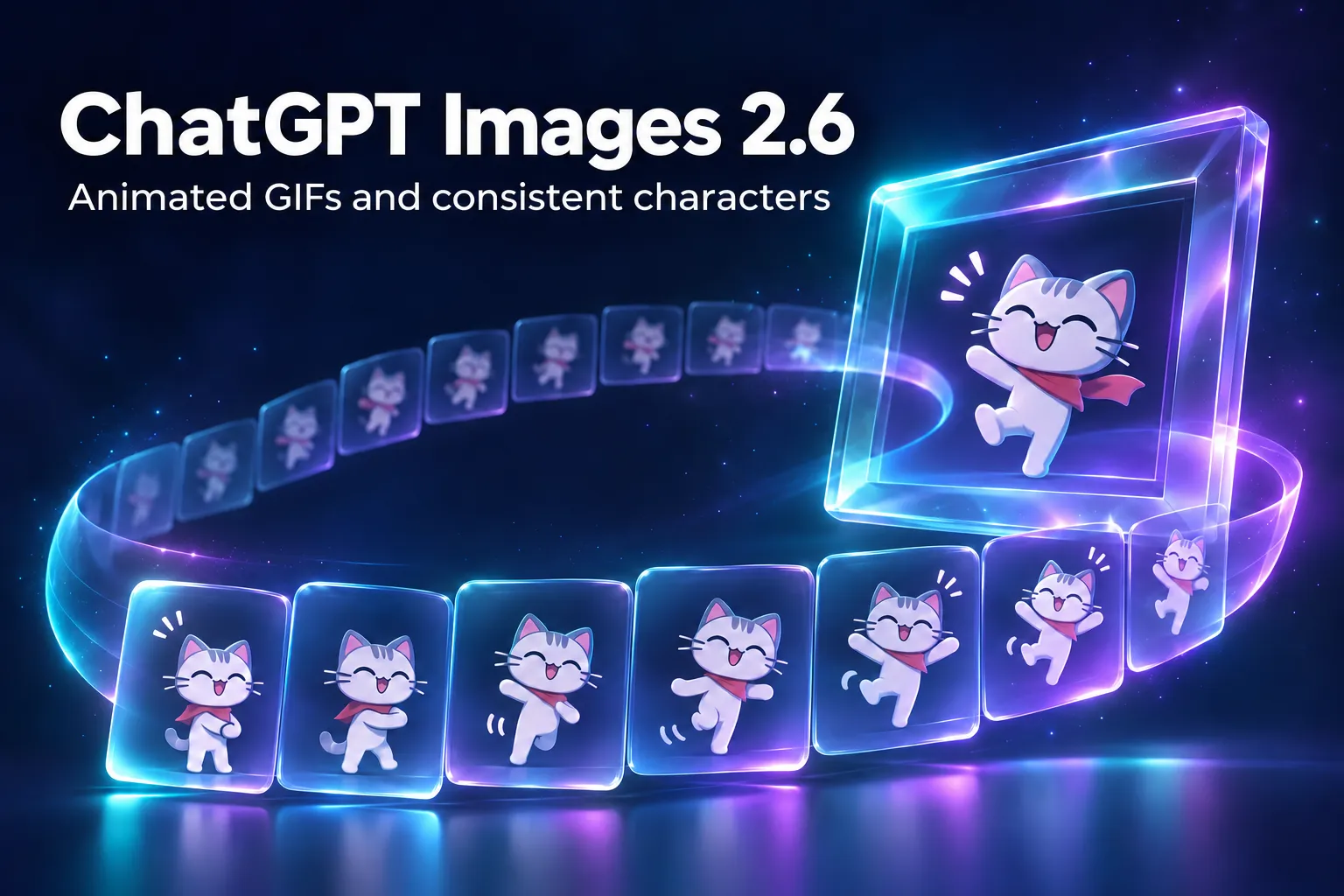
The most visible change is that ChatGPT creates animated GIFs in a single step. Before, you had to generate frames and assemble them in another tool; now you start from a prompt ("make a GIF of a cat dancing") or from a photo you upload.
Once the GIF is made, according to OpenAI's announcement you can:
- change the speed of the animation;
- view and edit individual frames, one by one;
- share it on loop, like any GIF.
Digital Trends points to the most practical uses: brand mascots that move, looping product photos for online stores, and rough storyboards before shooting video. A GIF is not a video with sound: it is a short, silent animation, but it opens almost everywhere, including emails and messages.
Reference images: consistent characters without re-uploading
The second change for ChatGPT users is saved reference images. You can save a photo of yourself, your pet or a character and reuse it in other conversations without uploading it again every time.
The benefit is consistency: if you create content with the same face, mascot or product, you no longer start from scratch in every chat. OpenAI also claims better consistency for characters, products and brand elements when you edit the same image several times.
Before saving a photo of a real person as a reference, make sure you have their consent. The same goes for clients: a face uploaded for one job should not be reused for another.
For developers: GPT-Image-2.6 Flare and Sunburst
In the API changelog, under November 4, 2026, OpenAI lists two new models for image generation and editing, with adjustable complexity, SVG output and animated GIF output. The official guide describes them like this:
| Model | What it is for |
|---|---|
gpt-image-2.6-sunburst | Detailed work, precise edits and consistency from one edit to the next |
gpt-image-2.6-flare | Fast iteration: according to OpenAI, an image in as little as 6 seconds at low quality; cleaner layouts for posters and product images |
Both models share four new features:
- complexity: a parameter with
low,mediumandhighvalues (defaulthigh) that sets how much the model plans before drawing; according to the guide, changing it has no separate fee; - markup-guided edits: you draw over the image to mark what to change, a feature also added to supported GPT Image 2.5 models;
- SVG output, scalable vector graphics that suit icons and simple logos;
- animated GIF output through the Image API.
A word on cost: on OpenAI's forum, one user compared the same medium-quality request and saw 1,136 output tokens with 2.6 versus 344 with 2.5. It is a single test, not an official figure, but before moving a workflow to production it is worth measuring what it really costs.
What it means for you as a content creator
If you post on social media, ChatGPT's GIFs are an extra format at almost no cost: a rotating product, a waving mascot, a title that pops in. They work well as one slide of a carousel, in stories, in newsletters and in comment replies. Reference images, on the other hand, fix the most annoying problem of creating in series: keeping the same character or product identical from one post to the next.
The result still depends on the prompt. If you want consistent marketing images with a reusable prompt structure, start with the Nano Banana Pro Guide: the principles apply to ChatGPT too. For ads there are the 500 Creative Ads Prompts, and for carousels the 50 Viral TikTok Carousel Prompts.
To compare ChatGPT with other recent image tools, read our article on Canva Craft, and on the OpenAI side the one on GPT-6.1 Terra. If you want a complete method that brings together images, video, voice and selling, there is The AI Creator System.
Frequently asked questions
When was ChatGPT Images 2.6 released?
OpenAI announced it on November 4, 2026, together with the API models GPT-Image-2.6 Sunburst and GPT-Image-2.6 Flare.
How do I make a GIF with ChatGPT?
Ask ChatGPT for a GIF from a prompt (for example "a GIF of a cat dancing") or upload a photo to animate. Once it is created you can change the speed, edit individual frames and share it.
What are reference images in ChatGPT?
They are photos of yourself, a pet or a character that you save once and reuse in other chats without uploading them again, for consistent results.
What is the difference between GPT-Image-2.6 Flare and Sunburst?
Sunburst focuses on detail, precise edits and consistency across edits; Flare focuses on speed and, according to OpenAI, generates an image in as little as 6 seconds at low quality.
Is Images 2.6 faster than the previous version?
OpenAI claims 50% faster generation. That is the company's own figure, not an independent measurement.
Read next
Sources checked on November 8, 2026
- OpenAI Developers — API changelog, voci del 4 novembre 2026 su GPT-Image-2.6 Sunburst e Flare
- OpenAI Developers — Image generation guide (sezione GPT Image 2.6)
- OpenAI Developer Community — Images, upgraded: introducing ChatGPT Images 2.6 (4 novembre 2026)
- The Next Web — ChatGPT can now make animated GIFs with OpenAI's Images 2.6, di Ana Maria Constantin (4 novembre 2026)
- Digital Trends — ChatGPT can now turn your images into GIFs with its latest update, di Rachit Agarwal (5 novembre 2026)