Gemini computer use on Mac: Google's agent now operates your apps for you
On November 19, 2026, Google launched Gemini computer use in its Mac app: you describe a repetitive job and Gemini clicks, types, opens menus and fills in forms across Mac apps and websites, inside a separate background window, while you keep using your computer. For now it is English-only, US-only and tied to a paid plan. Here is how it works and what you need.
Leggi questo articolo in italiano
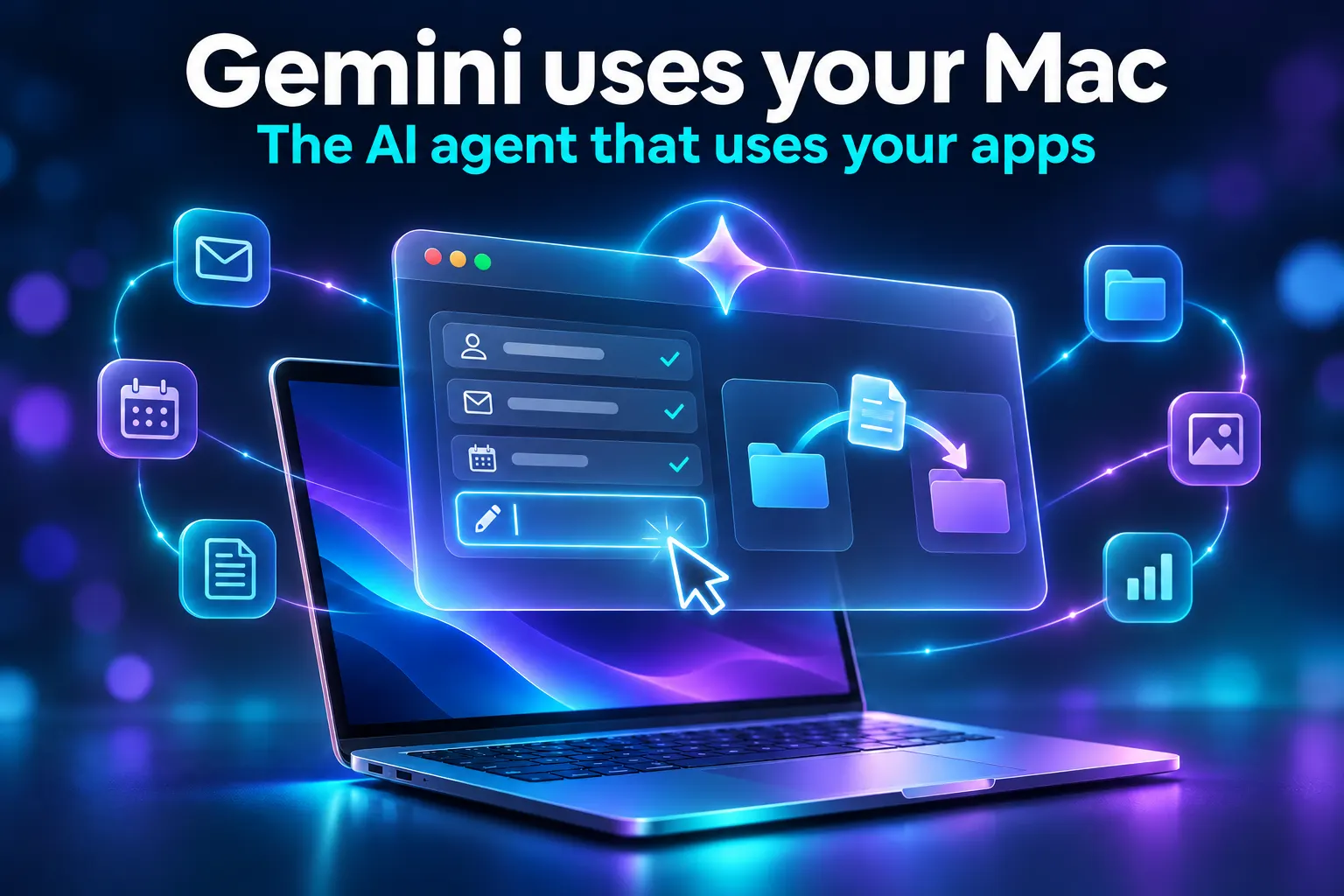
What Gemini computer use on Mac is
Computer use in Gemini is the feature that lets Google's assistant operate your Mac apps and websites on your behalf: it clicks, types, opens menus and fills in forms. Google announced it on November 19, 2026 in a post by Michael Friedman, Group Product Manager for the Gemini app, on the official Google blog.
The goal is to remove repetitive chores that span several places: files on your drive, installed apps and the browser. You describe the job in plain words and Gemini carries it out step by step.
The change from before is concrete. As 9to5Google explains, the Mac app's Task feature (formerly Gemini Spark) could already read local files together with connected apps such as Gmail and Google Calendar, but it could not click or type inside desktop apps. Now it can.
How it works: background window and live preview
Gemini works in an isolated background window and shows you a live preview right in the chat. Your main screen and cursor stay free, so you can keep writing an email or editing a video while the agent fills in a form in another app.
According to 9to5Google, you start it by adding @Computer use to your prompt. In settings, under Customize and then Connectors, new "Desktop" apps such as Blender and Autodesk Fusion now appear next to the existing Git and Obsidian integrations.
The examples Google gives are very practical:
- applying the same color grade to a batch of photos in design software, or setting up complex 3D scenes;
- pulling weights, dimensions and addresses from local PDFs to fill in multi-field shipping quotes;
- gathering metrics and screenshots from live dashboards and building a Google Slides deck;
- analyzing clothing photos in a folder, researching prices, logging item details and staging resale listings.
Who is in charge: permissions, pauses and approvals
Google stresses one point: you stay in control. According to the official post, you pick which apps Gemini can access, you watch every step live, you can pause at any time and you approve key actions before they happen.
9to5Google adds that you can stop Gemini with one click, that the agent pauses at logins and payments, and that sensitive actions need your confirmation.
An agent that uses your computer also reads whatever it finds in pages and files. Give it access only to the apps a job needs, do not leave it alone on sites you do not know, and check the result before it submits a form or publishes anything.
Google is not first here. As TechCrunch notes, OpenAI, Anthropic and Meta already offer agent features in their desktop apps, so Google is somewhat late. For another take on agents that work on their own, read our piece on Perplexity Teammates.
Requirements, plans and availability
Before you look for it in the app, check these points. They come from Google's post unless stated otherwise.
| Question | Answer |
|---|---|
| Which Mac? | An Apple silicon Mac running macOS Sequoia 15.0 or later |
| Which plan? | Google AI Plus, AI Pro or AI Ultra |
| Which account? | A personal Google account, adults only (18+) |
| Which language and country? | English only, United States only |
| Other countries? | Not yet: according to TechCrunch, Google has not said when it will expand |
| Where do I get the app? | From gemini.google/mac |
Computer use is an app feature, not a new model. The day before, Google launched Gemini 4 Neon, the model built for multi-step work. For the video side of the Gemini ecosystem, see our Gemini Omni guide.
What it means for you if you work with AI
The message is clear: AI assistants are moving from answering to doing. If you run an online business or create content, the hours you lose copying data from a PDF into a form, renaming files or rebuilding the same slides every week are exactly the hours an agent like Gemini wants to take over.
Even if the feature has not reached your country yet, you can prepare now: write down your three most repetitive jobs, the exact steps and the files they use. An agent only works well with precise instructions. To build these workflows with an AI assistant today, Claude Business OS gives you a ready system to organize your daily work; if you need prompts and procedures for sales, content and operations, start with the AI Business Toolkit.
And if you want the full path to using AI in content and business, from creation to sales, you will find it in The AI Creator System.
Frequently asked questions
Is Gemini computer use available outside the US?
Not yet. As of November 20, 2026, the feature is available only in English and only in the United States. Google has not announced dates for other countries.
How much does Gemini computer use cost?
It has no separate price: it is included for people with a Google AI Plus, AI Pro or AI Ultra subscription on a personal account.
Does it work on Windows or Intel Macs?
No. Google only mentions the Gemini app for Mac and requires an Apple silicon Mac running macOS Sequoia 15.0 or later.
Can Gemini make purchases or sign in to my accounts on its own?
According to 9to5Google, the agent pauses at logins and payments and asks for confirmation on sensitive actions. Google also says you approve key actions before they happen.
Can I use my Mac while Gemini works?
Yes. Gemini works in a separate background window and shows you a preview in the chat, so your screen and cursor stay free.
Read next


Sources checked on November 20, 2026
- Google — Let Gemini tackle repetitive chores on your Mac, di Michael Friedman (19 novembre 2026)
- 9to5Google — Gemini app for Mac adds computer use to control desktop apps (19 novembre 2026)
- TechCrunch — Google gives Gemini the ability to use your Mac for you, di Sarah Perez (19 novembre 2026)
- Cult of Mac — Google Gemini can now control your Mac while you keep working, di Rajesh Pandey (19 novembre 2026)