ChatGPT Space comes to Plus: pages and presentations that update themselves
On November 20, 2026, OpenAI started rolling out ChatGPT Space to all Plus subscribers aged 18 and older, worldwide. Until then it was limited to the Pro, Business and Enterprise plans. Space replaces the Library and lets you create pages and presentations to share, which ChatGPT can keep up to date by reading the apps you have connected. Here is what it does, what Plus is still missing and how to use it.
Leggi questo articolo in italiano
What ChatGPT Space is and what changed on November 20
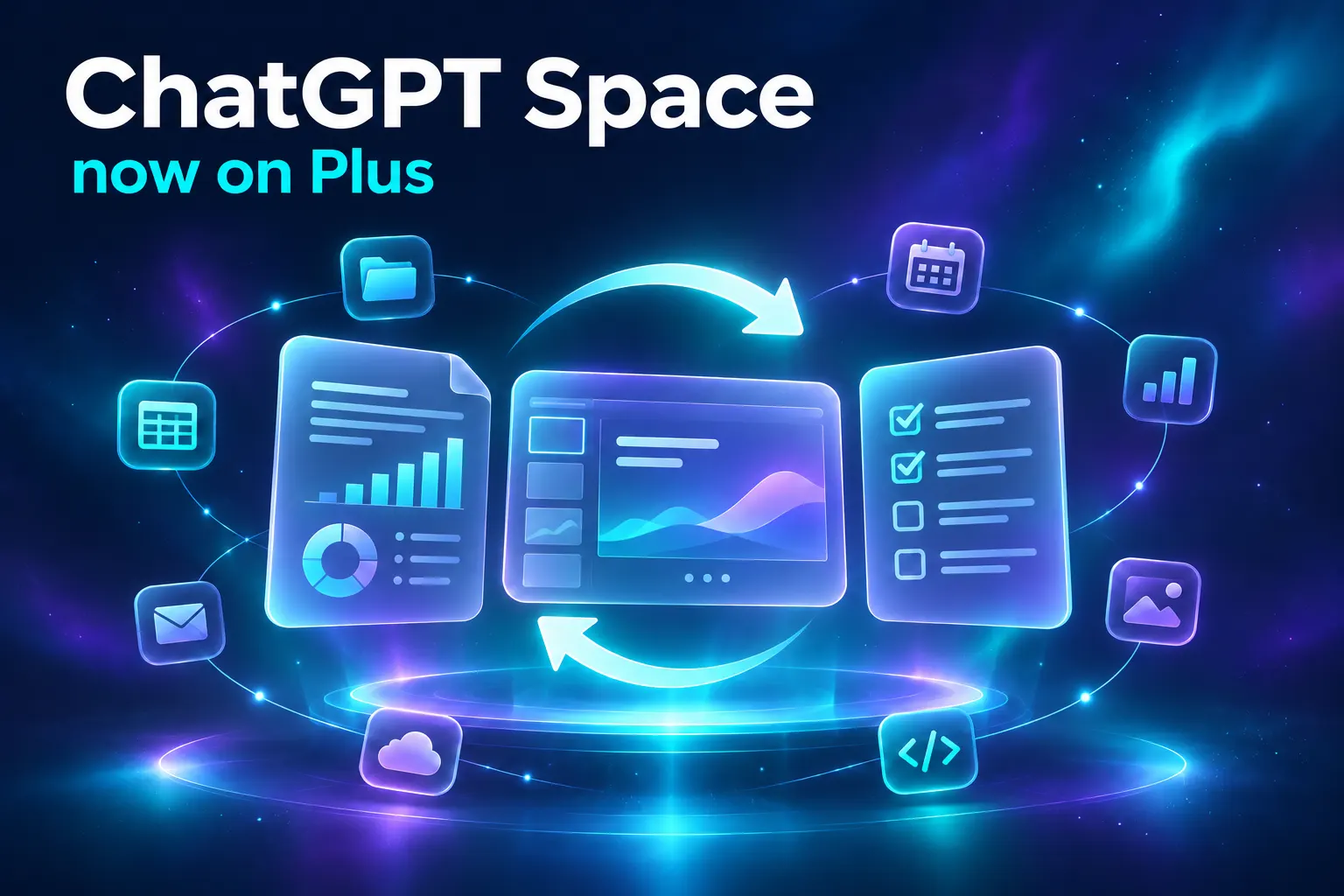
ChatGPT Space is ChatGPT's shared workspace for pages, presentations, images and files. OpenAI introduced it at DevDay in September 2026 and at first kept it to the Pro, Business and Enterprise plans.
On November 20, 2026, the official ChatGPT release notes announced that Space is rolling out globally to Plus users aged 18 and older. Plus is the $20-a-month subscription, as Engadget points out.
The rollout is gradual: if you do not see Space in your Plus account yet, it may show up over the next few days.
Pages that update themselves: how they work
At the core of Space are pages (Pages), a document type OpenAI describes as built for work with agents: writing, visualizing, researching and coding. A page can hold text, images, charts and interactive tools.
What sets it apart from a normal document is that a page can keep itself up to date. You connect the apps you need and tell ChatGPT what to update, which sources to read and how often to check them. According to Engadget, Space works with Scheduled Tasks, ChatGPT's recently revamped scheduling feature. The official Space page explains that you can then review the changes.
OpenAI's own examples are practical:
- a to-do list that updates itself;
- a study guide with a 3D model you can explore;
- a project plan that stays current with decisions made in Slack.
To ask for a change, you simply tag ChatGPT in a comment on the page.
What the Plus plan is still missing
Plus does not include Dots yet. These are the personal agents OpenAI introduced on the Pro plan, and in Space they can be invited to collaborate on a page. Engadget reports that Plus users cannot use Dots in Space or anywhere else, and that OpenAI began testing them with a select group of Plus subscribers on November 19, 2026.
Presentations are tied to ChatGPT Slides, announced on October 16, 2026: according to OpenAI's notes, it lets you edit text, images, shapes and charts and, on the web, export to PowerPoint, PDF or Google Slides. That note listed Slides for Pro, Business and Enterprise users with Space; the November 20 note mentions pages and presentations for Plus too, so check your own account to see what is already switched on.
Before you connect apps such as email or Slack, remember that a shared page shows viewers whatever gets added to it: choose carefully what ChatGPT is allowed to read.
What it means for you if you work with AI
The short answer: for $20 a month, ChatGPT stops being just a chat and becomes a place where documents live and update. For a creator or a small business, that could mean a content calendar that follows the decisions made with your team, a weekly client summary, or a course guide that grows over time.
The tool matters less than the method: you need to know what to ask and how to organize the work. If you use AI to create and sell digital products, the AI Business Toolkit brings together the tools and workflows to do it. If your work is documents, email and meetings, Claude Business OS gives you 80 ready-made prompts that also work as instructions for self-updating pages. And to turn a Space page into a social plan, 30 Days of Content helps you fill the month.
To see which model ChatGPT runs on today, read our article on GPT-6.2 Astra and Sol; for business use there is our piece on Businesses in ChatGPT, and for a comparison with always-on agents, the one on Perplexity Teammates. If you want to create images for your pages too, start with our guide to ChatGPT Images. For a complete path covering content, video and selling, there is The AI Creator System.
Frequently asked questions
Is ChatGPT Space included in the Plus subscription?
Yes. Since November 20, 2026, OpenAI has been rolling it out worldwide to Plus users aged 18 and older, at no cost beyond the subscription. The rollout is gradual.
Where do I find ChatGPT Space?
In the ChatGPT sidebar, where the Library used to be. From there you create a page with the + icon, starting from a template or uploaded files.
Can someone on ChatGPT Free see a page I share?
No. Opening a shared page or presentation requires permission and a Plus, Pro, Business or Enterprise account with Space access. Public links are not available.
How does a page update itself?
You connect the apps you need and tell ChatGPT what to update, which sources to check and how often. Space works together with ChatGPT's Scheduled Tasks.
Can I use Dots inside Space on Plus?
Not yet. According to Engadget, Plus users do not have access to Dots; OpenAI began testing them with a small group of Plus subscribers on November 19, 2026.
Read next