Higgsfield Playable: what it is and how to make a game or playable ad with AI
On Monday, October 26, 2026 Higgsfield, the AI video platform many creators use, launched Higgsfield Playable: describe a game idea, add your own images or a clip, and get a small mobile game you can play in the browser. For businesses there is also a playable ad version, ready for nine ad networks. Here is what it really does, who can use it and what the viral posts leave out.
Leggi questo articolo in italiano
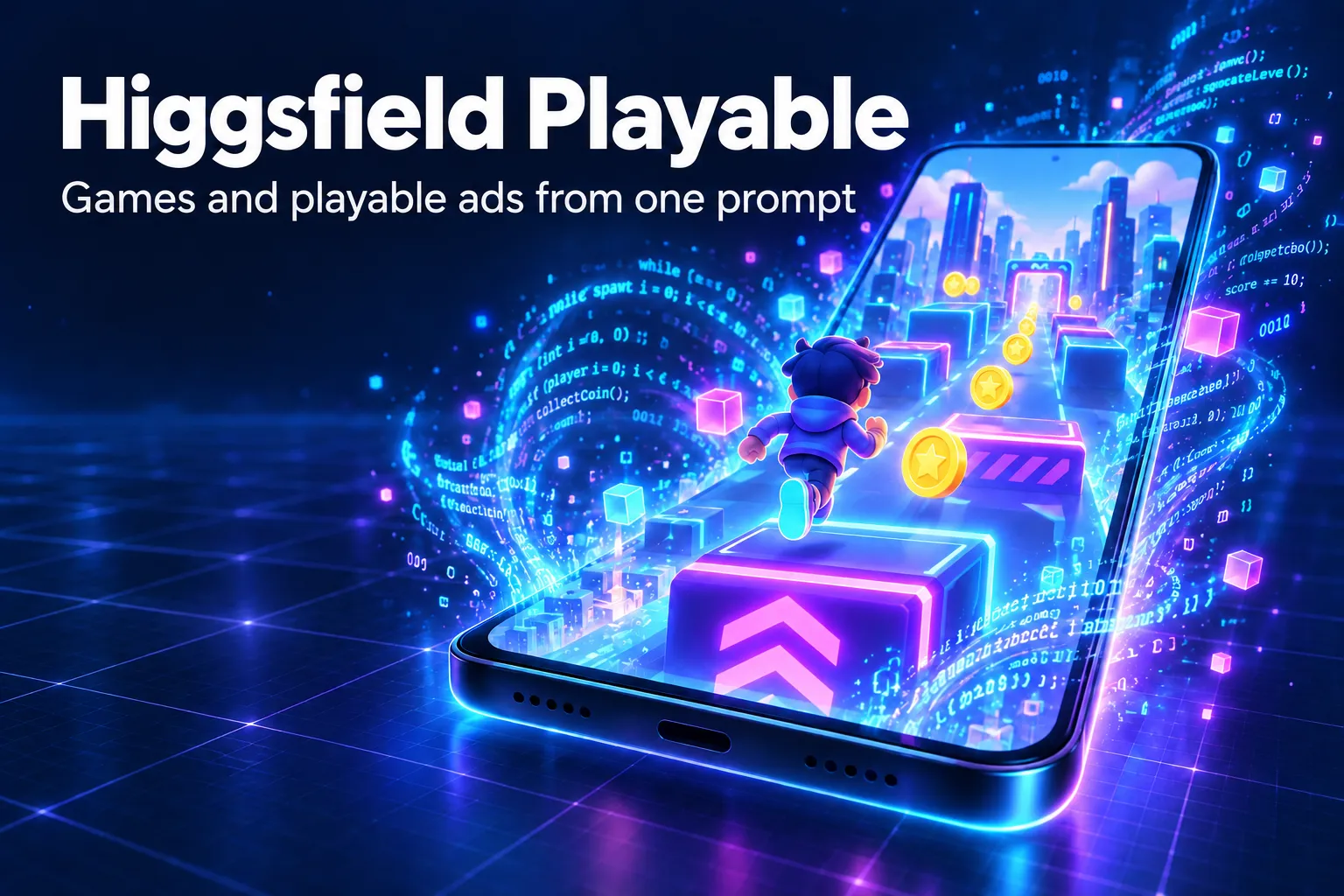
What Higgsfield Playable is and when it launched
Higgsfield Playable is Higgsfield's tool that turns a game idea, art assets or a simple prompt into a small mobile game you play in the browser, announced on October 26, 2026. Higgsfield's launch post on X sums it up in three steps: start with an idea, assets or a prompt; build the game in one click; turn it into a playable ad, "available for Enterprise."
The official Higgsfield blog post, dated October 25, 2026, introduces two separate products:
- Playable Games: describe a game, pick a genre, add references and generate a 2D or 3D experience;
- Playable Ads: a business workflow for interactive ads, where viewers try a game mechanic instead of watching a video.
This is not Higgsfield's first move into games. According to the official changelog, Higgsfield Gaming arrived on June 10, 2026, generating browser games with art, sound and multiplayer, followed on September 6, 2026 by Games 2.0, with multiplayer open worlds from a single prompt. Playable takes the same engine toward a more commercial use: short smartphone games and advertising.
Playable Games vs Playable Ads: the differences
The most important difference is the plan: Playable Games is available on all Higgsfield plans, while Playable Ads is reserved for the Enterprise plan and, according to the product page, is not included in the Individual, Team and Scale plans. The Enterprise plan has no public price: you go through sales.
| Item | Playable Games | Playable Ads |
|---|---|---|
| Who can use it | All Higgsfield plans | Enterprise plan only |
| Modes | 2D and 3D | 2D, 3D and 3D Fast |
| Genres | 8 genres | 8 genres |
| Input assets | Prompt and references (limits not stated) | Up to 40 images, 20 audio files, 3 HTML or ZIP games, 1 gameplay clip |
| Output | Browser game, saved in My playables | One HTML file up to 5 MB for the chosen network |
The eight genres Higgsfield lists are Shooter, Runner, Adventure, Action, Strategy, Maze, Puzzle and Simulation. There is a small inconsistency in the official pages: the blog says gameplay clips can run 3 to 60 seconds, the Playable Ads page says 3 to 30. If you are preparing a clip, staying under 30 seconds is the safe choice.
How it works: from prompt to game in a few steps
To make a game with Higgsfield Playable you describe what the player does, pick 2D or 3D and a genre, then press Generate; a playable preview appears in the browser and you can adjust it with sliders or plain-language instructions. No coding is needed.
- Start from the idea. A prompt describing the mechanic ("the character runs and jumps over obstacles collecting coins"), your own images and sounds, or a recording of an existing game.
- Pick genre and dimension. One of the eight genres, 2D or 3D.
- Choose where to generate. Directly on Higgsfield (Generate here) or in Claude by connecting Higgsfield MCP (Generate in Claude).
- Test and tweak. According to the Playable Ads page you can adjust difficulty, player, enemies, camera, lighting and end card; every change is saved as a new version.
- Export (Enterprise only). For ads you pick the network: Generic MRAID, AppLovin, Unity Ads, Google App Campaigns, Meta, Moloco, Pangle (TikTok), Mintegral and Liftoff/Vungle.
The product page FAQ also mentions a video cut of the ad for social placements. These are features Higgsfield claims: the quality of the games you get should be tested on your own cases, because the sources we checked include no independent tests.
Pricing, credits and what the viral posts leave out
Higgsfield has not published a price per game or per ad: the official blog says plan access and generation costs are separate, so every game uses credits. For Higgsfield Gaming, the changelog already warned that games use far more credits than a single generation, because every asset is created by AI, and that a cost estimate is shown before the build starts.
There is also a detail about the launch. Tech publication Aliteq analyzed the viral posts published on X on October 26, 2026: 5 of the 6 creator posts it reviewed carried the paid partnership label, and none of those said that exporting as a playable ad is Enterprise only. The revenue figures quoted in those posts have no source.
In practice: on a regular plan you can create and play your own games; to upload a playable ad to AppLovin, Meta or Unity you need the Enterprise plan, priced on request.
Open questions remain: the sources do not say whether the free plan can generate games, or how many credits an average game costs. Before you buy, check the cost estimate Higgsfield shows on the generate button.
What it means for you if you create content or run ads
Higgsfield Playable stretches the AI creator's work from video to interactive: the same tool you use for clips now produces small games, useful as shareable content, as a hook for a community or, for businesses, as an ad. If you already work with Higgsfield, our Higgsfield guide explains the plans and main tools.
- Try Playable Games on a simple idea. A runner or a puzzle with your brand's art is the quickest test of quality and credit cost.
- Reuse the assets you already have. Characters, backgrounds and music made for your videos can become the game's building blocks.
- Do not assume the ad export. If your goal is advertising, ask for an Enterprise quote first.
- Measure it like a video. A game is content: track how many people open it and how many reach the end card.
To create the images and clips to start from, AI Filmaking teaches you to produce cinematic AI video, and if you would rather have us make them there is the 30-second AI video service. If your goal is advertising, Meta Ads AI Mastery shows how to build and measure campaigns with AI and 500 Creative Ads Prompts gives you ready-made creative ideas; there is also our guide to making an AI commercial.
Staying with video, read what changes with Kling 4.0 and, for images, Canva Craft. For a complete method there is The AI Creator System, and here is how we use artificial intelligence.
Frequently asked questions
What is Higgsfield Playable?
It is Higgsfield's tool, launched on October 26, 2026, that builds a small mobile game playable in the browser from a prompt, from images and sounds or from a gameplay clip, with no coding.
Is Higgsfield Playable free?
Playable Games is available on all Higgsfield plans, but every generation uses credits. The sources do not say whether the free plan can generate games. Playable Ads requires the Enterprise plan, priced on request.
What are playable ads?
They are interactive ads where the user tries a game mechanic instead of watching a video. Higgsfield exports them as a single HTML file up to 5 MB for networks such as AppLovin, Unity Ads, Google App Campaigns, Meta and Pangle.
Can I make a Higgsfield game from Claude?
Yes. Higgsfield lets you choose Generate in Claude after connecting Higgsfield MCP; otherwise you generate directly on the Higgsfield site. Either way, Higgsfield credits are used.
Read next
Sources checked on October 27, 2026
- Higgsfield — Meet Higgsfield Playable Ads and Games: Create Interactive Experiences with AI (25 ottobre 2026)
- Higgsfield — Playable Ads Generator (pagina prodotto e FAQ, letta il 27 ottobre 2026)
- Aliteq — What is Higgsfield Playable, and how do I make a game (or playable ad) with it? (26 ottobre 2026)
- Aliteq — 5 of 6 viral Higgsfield Playable posts were paid. None mention the Enterprise catch. (27 ottobre 2026)
- The Neuron — Everything That Happened in AI Today, Tuesday, October 27 (27 ottobre 2026)