Meta Ads comes to AWS Quick: run campaigns in chat, with your sign-off
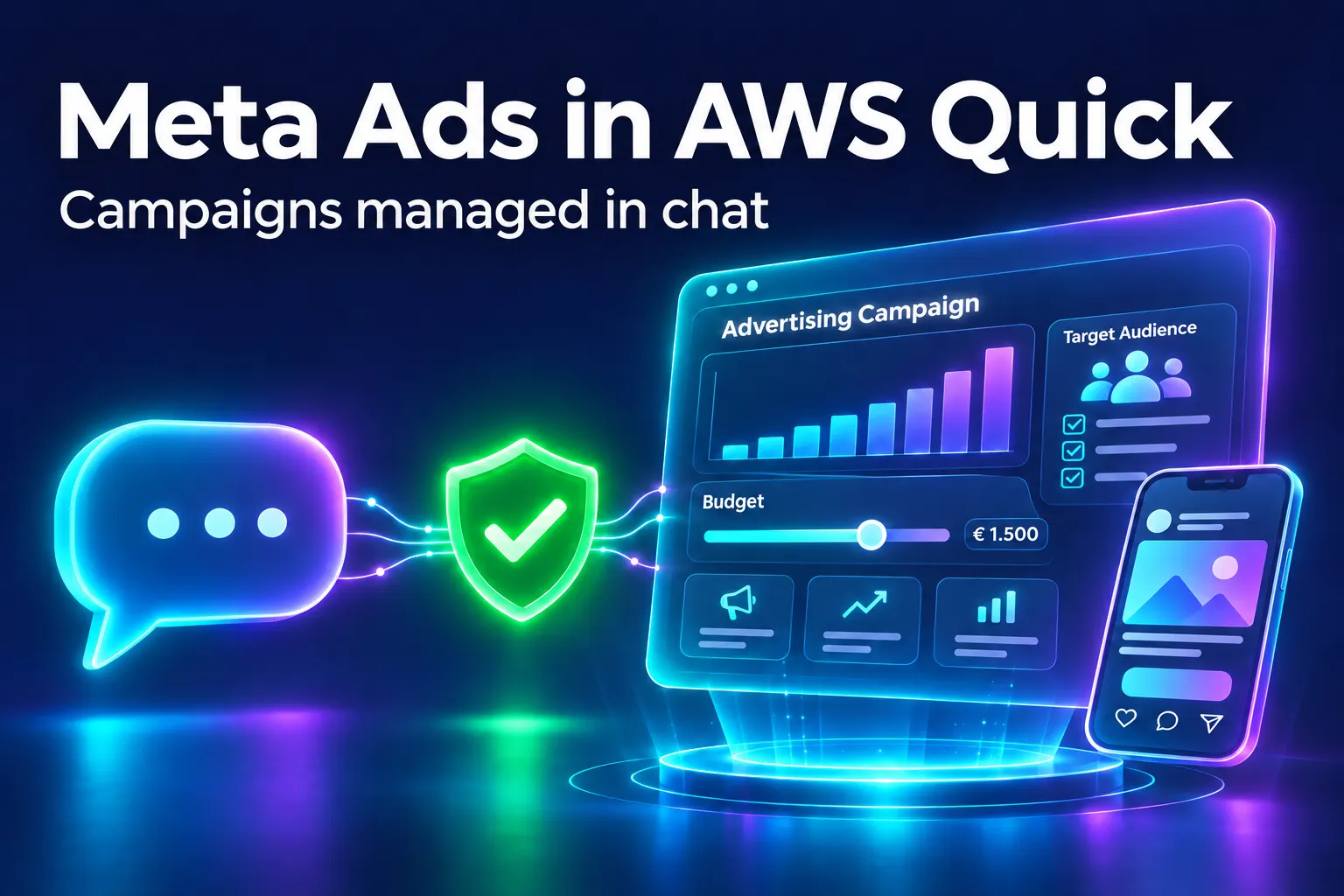
On November 20, 2026 Amazon Web Services added a connector for Meta Ads in AWS Quick, its AI workspace for businesses. You can ask in plain language for reports, analysis and draft campaigns on Facebook and Instagram, and combine them with your company data. Before it creates a campaign or touches a budget, Quick asks for permission. Here is how it works and what it means for advertisers.
Leggi questo articolo in italiano
What AWS announced on November 20 and 21, 2026
The Meta Ads in AWS Quick connector links Amazon Web Services' AI workspace to Facebook and Instagram ad accounts. It was announced on November 20, 2026 in the AWS Quick release roundup, alongside an Amplitude connector, reusable flows and multiple agents working together on a single request.
On November 21, 2026 AWS published a dedicated walkthrough by Chris Geiger and Mark Botto. According to AWS, the connector gives Quick access to Meta's ads MCP server operations, so Meta advertisers can create, manage and analyze campaigns in natural language while staying connected to Meta's ad system.
AWS Quick is Amazon's AI assistant built only for work: it reads company documents, data and tools and produces dashboards, documents, slide decks and automated workflows. With this connector, ad data sits in the same place as sales, inventory and customer data. AWS says the features are available in all Regions where AWS Quick is available.
What you can ask Quick about your Meta campaigns
Short answer: reports, analysis, campaign drafts and technical checks, written as ordinary questions. In its walkthrough AWS lists these use cases, each with a sample prompt:
| Task | What Quick does |
|---|---|
| Plan a launch | Drafts campaign, ad set and ad settings from an approved brief and flags missing budget and audience decisions |
| Analyze performance | Tracks spend, CTR and ROAS at every level and builds a weekly deck of top ads, weak ads and next tests |
| Refresh creative | Flags creative fatigue when frequency rises and CTR falls, and drafts the next brief with headline variants and an A/B test plan |
| Product catalogs | Explains why Meta rejected items and joins the catalog with stock and margin |
| Spend versus stock | Shows spend next to stock and contribution margin per product line and proposes where to shift budget |
| Pixel diagnostics | Triages pixel and Conversions API issues, such as drops in event volume, into one checklist |
In AWS's demo video, one prompt turns past results into an eight-slide launch-plan deck; another builds a dashboard comparing spend, leads and cost per lead for two ad sets, with recommended next tests.
How to connect it and what happens before any change
Setup takes a few steps, according to the AWS walkthrough:
- In AWS Quick open Customize, then Connectors, and install the Meta Ads connector.
- Sign in with Facebook.
- Choose which Pages, Businesses and Instagram accounts Quick can access.
You need two things: access to AWS Quick and a Meta business account with access to the ad accounts you want to connect.
The key point: the connector can make real changes in your ad accounts. That is why AWS states that Quick asks for your permission before it creates a campaign, changes a budget or runs any other write action.
AWS adds that connectors respect existing permissions, so each person only sees what they already have access to, and that data stays in the customer's environment without training anyone else's models. AWS's sample prompts often end with lines like "do not change budgets" or "do not create or change ads yet": a simple way to keep the AI in analysis-only mode until you decide.
Where it comes from: Meta's ads MCP server, opened in April 2026
The AWS connector builds on something Meta shipped earlier. On April 29, 2026 Meta launched Meta Ads AI Connectors in open beta: an MCP server and a command line tool (CLI) that link an ad account to an AI agent for reporting, campaign management, catalogs and signal diagnostics. For the MCP server, Meta says no developer credentials or coding are required.
The server is hosted by Meta at https://mcp.facebook.com/ads, as stated in the developer documentation, and works with MCP-compatible AI assistants. On July 16, 2026 Meta added ads MCP server rules: anyone with full control of a business portfolio can govern what AI agents can do on the account, from budget changes to catalog updates.
What is new in November is that a widely used business tool, AWS Quick, now ships this link as a ready-made connector, next to the company's internal data.
Limits and caveats to know
The first caveat is about results. As ContentGrip noted on November 23, 2026, AWS has not published independent evidence that the connector produces better campaign returns. The stated benefit is speed: fewer spreadsheet exports and fewer hops between tools.
- The AI proposes, you decide: every change needs approval. Read what you approve, especially on budgets and audiences.
- Good data in, good answers out: if your pixel or Conversions API records purchases badly, the AI's analysis will be wrong too.
- Cost: AWS offers Quick at no additional cost for 3 months, with up to 10 teammates invited free; for enterprise plans it points to its account teams.
- Who it is for: Quick targets companies already on AWS. If you work solo, the same Meta server also connects to other MCP-compatible assistants.
What it means for you as a Meta advertiser
Managing ads by talking to an AI assistant is no longer a developer experiment: it is a ready feature inside business tools like AWS Quick. But the AI only works well if you know what to ask. Before you connect your account, write down your limits: maximum budget, audiences not to touch, the metrics that matter to you.
If you want to learn how to set up and read campaigns with AI, start with Meta ADS AI Mastery. For creative ideas to test right away, use the 500 Creative Ads Prompts; if you would rather have someone run the campaigns for your online store, there is the Meta Ads service for eCommerce. To drive traffic beyond Meta too, see Traffic Secrets.
If you are curious about Meta's own AI agents, read our piece on Meta Muse; for another agent that works inside your tools, the one on Claude computer use; and for AI agents built into ChatGPT for companies, the one on Businesses in ChatGPT. For the complete path on AI, content and sales there is The AI Creator System.
Frequently asked questions
What is the Meta Ads connector in AWS Quick?
It is a connector, announced by AWS on November 20, 2026, that brings Meta's ads MCP server operations into AWS Quick. It lets you create, manage and analyze Meta campaigns in natural language and combine that data with your company's own.
Can AWS Quick change my campaigns on its own?
No. According to AWS, Quick asks for your permission before it creates a campaign, changes a budget or takes any other write action in an ad account.
What do I need to use it?
Access to AWS Quick and a Meta business account with access to your ad accounts. You install it from Customize, then Connectors, sign in with Facebook and choose Pages, Businesses and Instagram accounts.
How much does it cost?
AWS offers Quick at no additional cost for 3 months, with up to 10 teammates invited free. For enterprise plans AWS points to its account teams; Meta lists no cost for the MCP server.
Can I connect Meta Ads to ChatGPT or Claude as well?
Yes. Since April 29, 2026 Meta has offered Meta Ads AI Connectors in open beta, with an MCP server hosted at mcp.facebook.com/ads that works with MCP-compatible AI assistants.
Read next

Sources checked on November 23, 2026
- AWS Machine Learning Blog, Hillary Lovric — New in AWS Quick: more capable flows, an updated web experience, and agents that work together (20 novembre 2026)
- AWS Machine Learning Blog, Chris Geiger e Mark Botto — Meta ads is now available in AWS Quick (21 novembre 2026)
- Meta for Business — Introducing Meta Ads AI Connectors (29 aprile 2026, aggiornato il 16 luglio 2026)
- Meta for Developers — Ads MCP Server overview
- ContentGrip, Celi Anindia — AWS Quick adds Meta ads campaign control to its AI workspace (23 novembre 2026)