 AI-generated content
The result
Travel, venues, products, events: videos that look made by a pro.
Picture finishing the reel on the train, before you get home. You watch it and think: I edited this, on my phone. Cuts on the beat, warm colors, captions that pop at the right moment. The same method works for every video you shoot.
AI-generated contentSpeed rampSlow down, then blast off: you set the pace.
AI-generated contentAnywhereEdit wherever you are: on the steps, at lunch, in line.
AI-generated contentOn the goThe reel is ready before you arrive.
AI-generated contentColorFrom flat to cinema.
From the lessonEffects and AI features, from the lesson
AI-generated contentCutsOne tap, and the rhythm changes.
AI-generated contentCaptionsIt reads even without sound.
AI-generated contentTravelYour trip, edited on the spot.
AI-generated contentPublishedPerfect export, ready for socials.
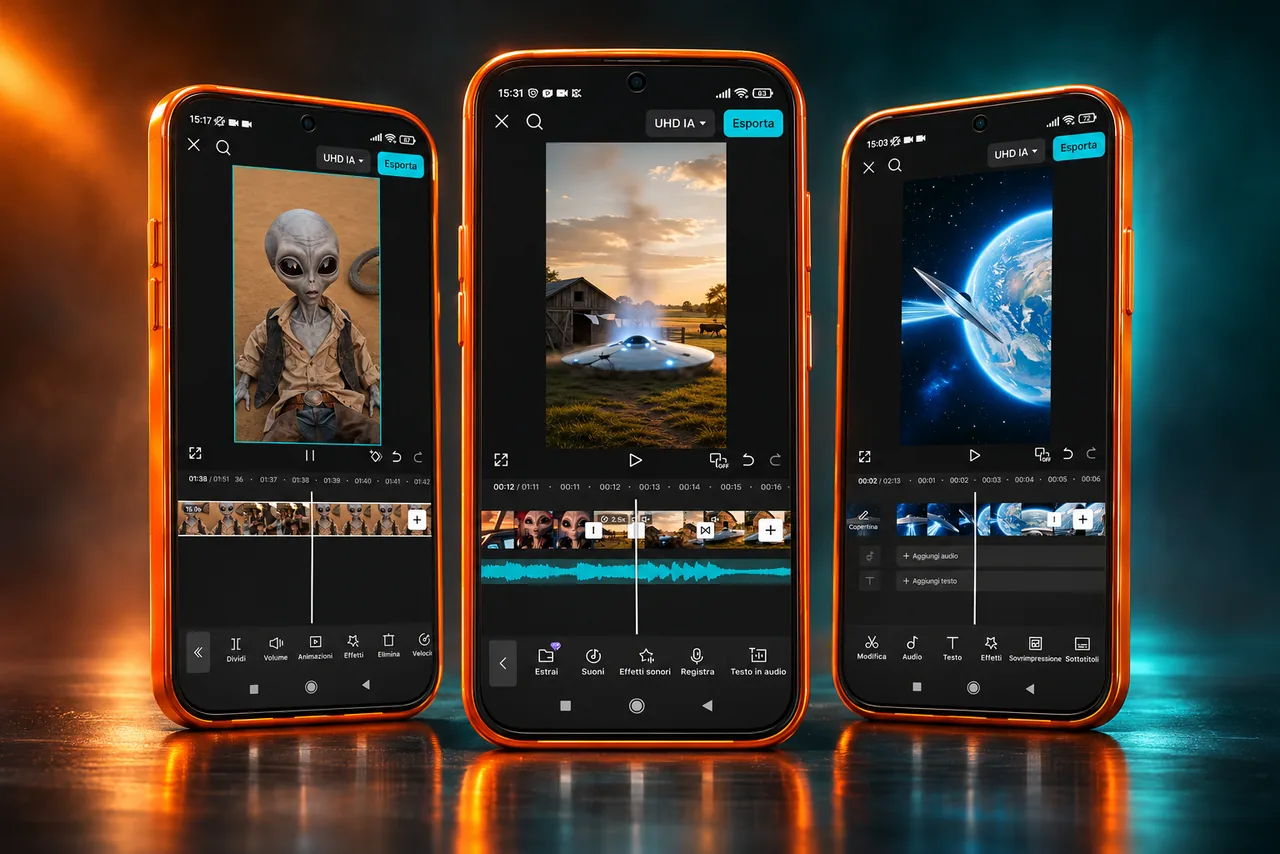
From the lessonThe CapCut timeline on the phone, from the lesson
From the lessonCuts and transitions on the beat, from the lesson
From the lessonText and animated captions, from the lesson
AI-generated contentBefore and afterSame scene, movie colors.
AI-generated contentAudioClean voice, the right music.
AI-generated contentPunch zoomOne tap, and the scene pops.
AI-generated contentFor a caféThe reel for the shop down the street.
AI-generated contentProductA product ad, from your phone.
AI-generated contentThe alien reelBeat cuts, cinematic color and slow-mo: all from your phone.
AI-generated contentSlow motionThe jump in slow motion, smooth as cinema.
AI-generated contentFor a businessThe reel that makes people want to walk in.
AI-generated contentTravelThe wind, the sea, your moment. Edited on the spot.
AI-generated contentTransitionOne spin and everything changes. The transition that stops the thumb.
AI-generated contentFoodClose-ups you can almost taste.
AI-generated contentEventThe night’s energy, in 30 seconds on the beat.
10lessons on the phone
6steps in the method
∞lifetime access
1one-time payment
What’s inside
10lessons
The 10 lessons that take you from raw clips to a published video.
About 45 minutes in total, recorded on the phone with CapCut open: follow the lesson and redo each step on your video.
AI-generated content
The point
The phone in your pocket is enough. You just need to know where to tap.
∞lifetime access
1one-time payment
0subscriptions
How it works
From raw clips to a published video, in six steps.
It’s the same path for every video. Once you get it, you repeat it faster and faster.
-
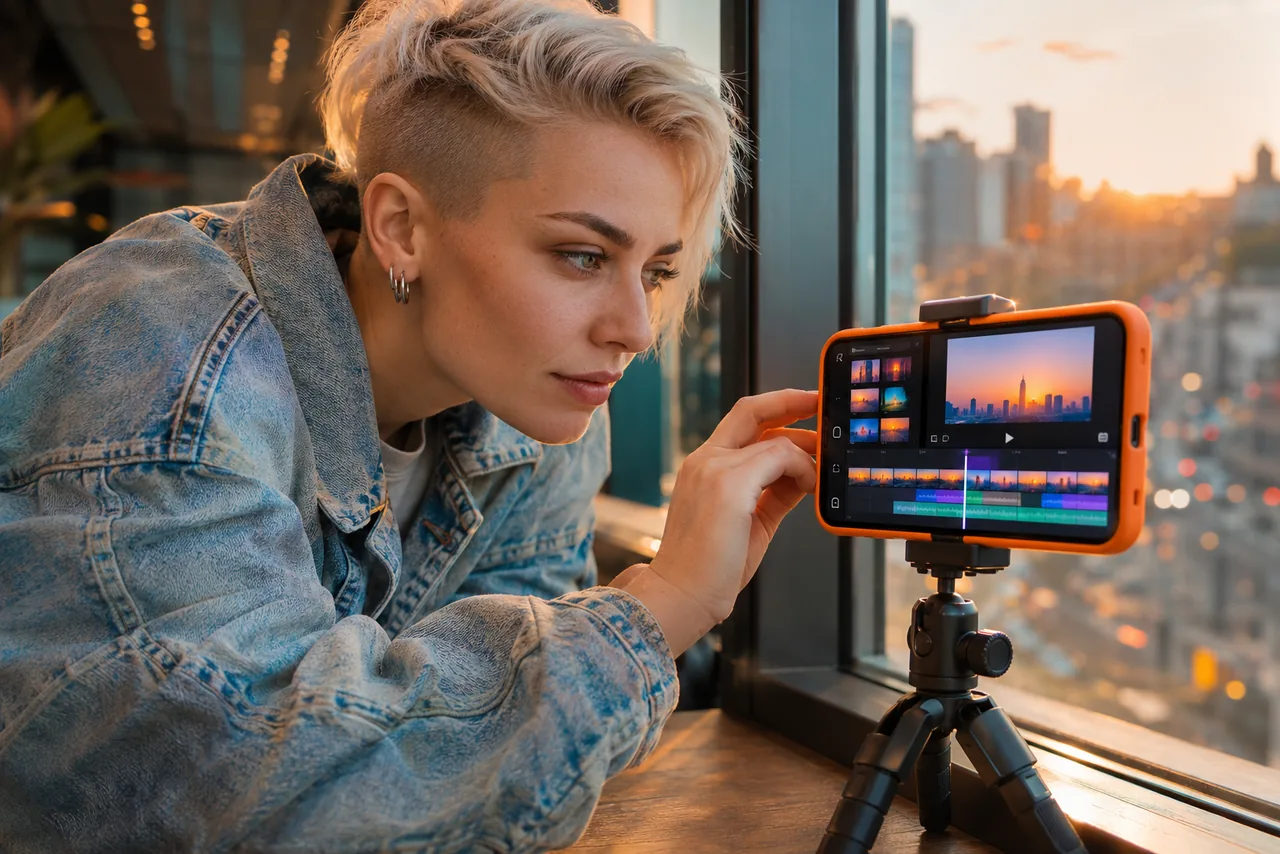 AI-generated contentStep 01 / 06
The right project
Vertical format, quality, clip order: the base that saves you from redoing everything.
Lesson 1 -
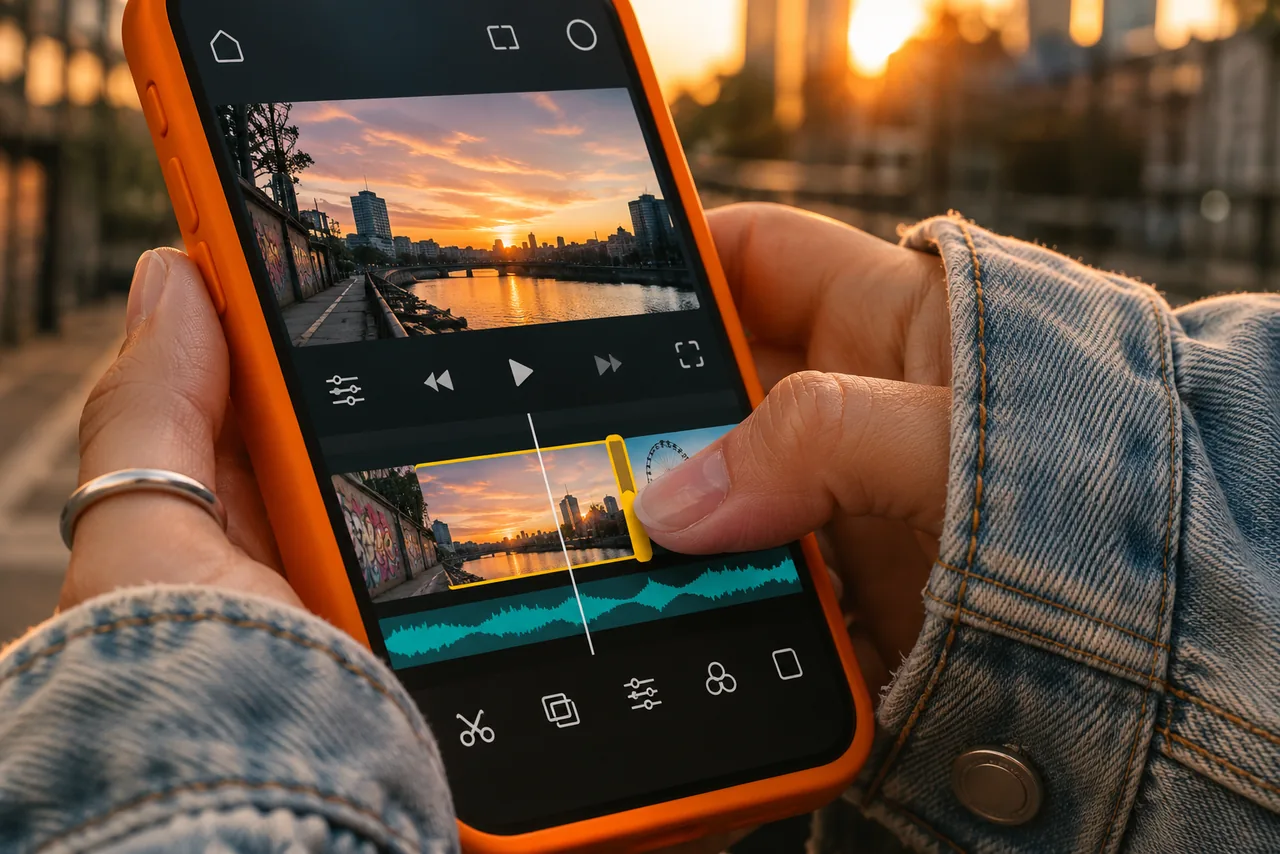 AI-generated contentStep 02 / 06
Cuts on the beat
Cuts and transitions on the music: the video flows on the beat, no dead moments.
Lesson 2 -
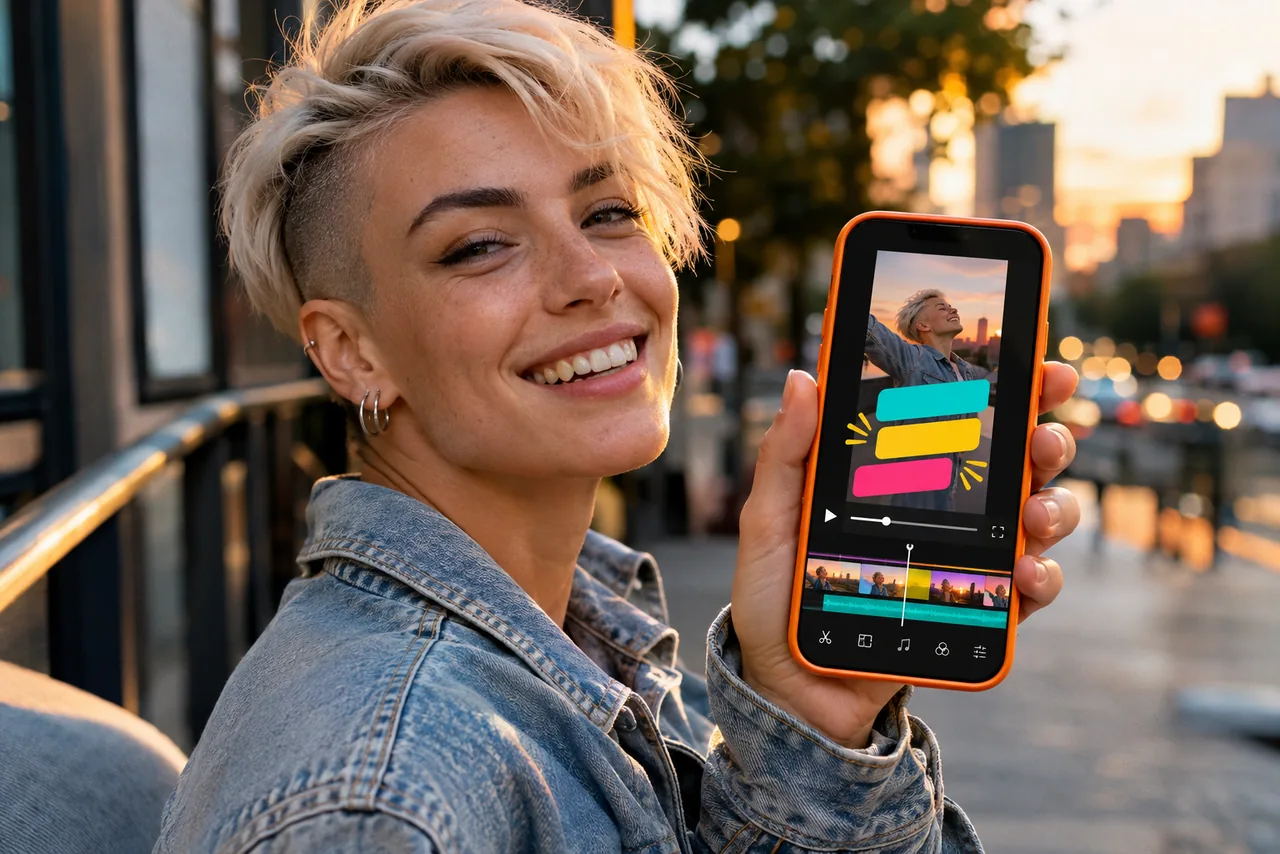 AI-generated contentStep 03 / 06
Text and captions
Animated captions that read even with sound off.
Lesson 3 -
 AI-generated contentStep 04 / 06
Color and effects
Color grading, LUTs and effects: from flat clips to cinema-grade video.
Lessons 4–5 -
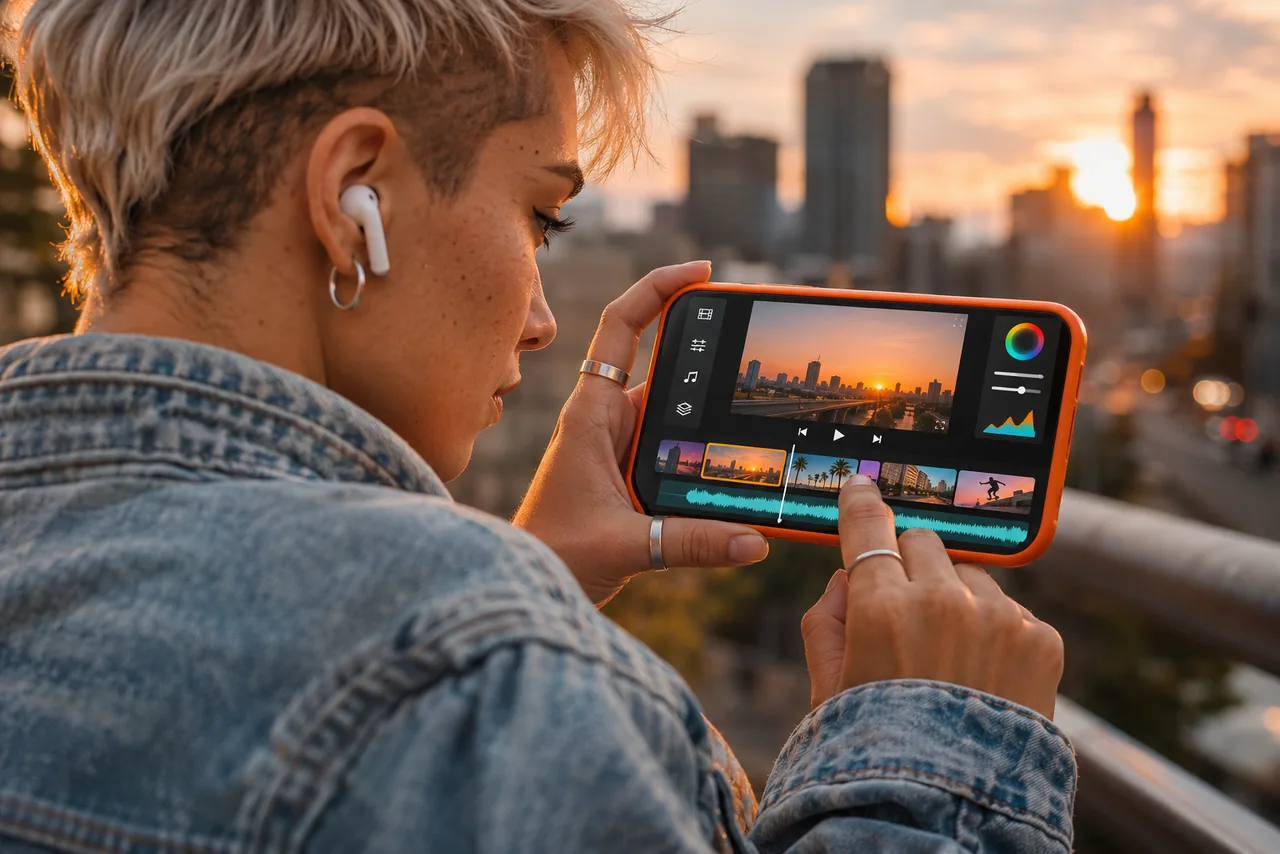 AI-generated contentStep 05 / 06
Audio, motion and AI
Clean voice, smooth slow motion and the AI features that do the long work for you.
Lessons 6–8 -
 AI-generated contentStep 06 / 06
Templates and export
Your presets for the next video and the perfect file for every social.
Lessons 9–10
AI-generated content
 AI-generated content
The problem
Your phone is full of clips. None of them ever became a video.
You shoot, you save, you put it off. When you try to edit, it looks amateur: random cuts, flat colors, crackling audio. Meanwhile others post videos that stop the scroll, and you watch.
01Pro software is complicated and needs a powerful computer.
02In CapCut you use three features out of a hundred, always the same ones.
03One video takes you an evening, and in the end you don’t like it.
04Paying a video editor for every post isn’t sustainable.
Demo
A reel that starts from a message.
-
The request
If the café down the street texts you
A typical request: a reel for a local business.
-
The edit
From the lesson, on the phone
Real lesson footage: the CapCut timeline, tap after tap.
-
The reel
Ready to post
The kind of reel you deliver: warm, on the beat, vertical.
ClientHi! I’m sending you 12 clips of our brunch: can you make a 30-second Instagram reel, warm and on the beat?
YouThe plan you follow with the lessons:
- the best clips, cut on the music
- slow motion on the latte art
- warm colors with a LUT
- animated captions with the offer
- 9:16 export for Reels
Example written for this page following the lessons, not a recorded conversation.
AI-generated content
What you do with it
One skill, many videos to create.
 AI-generated content
01
Your socials
Reels, TikToks and Shorts that look pro-made, every week.
 AI-generated content
02
Local businesses
Cafés, restaurants, shops and gyms: videos to offer as a service.
 AI-generated content
03
Travel and events
Edit on the spot and post while the moment is still alive.
 AI-generated content
04
Products
Product videos for your e-commerce, with no studio and no computer.
How much does a well-edited video cost?
AI-generated content
Video editor or PC software
from $170
per video, from an editor (indicative example)
- a powerful computer and software to learn
- days of waiting for every video
- every change is paid or redone
 AI-generated content
You, with your phone
$69.97
pay once, use it for all your videos
- edit anywhere, whenever you want
- change a cut in a second
- use it for you or for clients
CapCut has free and paid features: the app sets the requirements. A video editor’s price is an indicative example and varies by market. No income, followers or views are guaranteed.
🎁 Included in the price
All included in the price
5 extras included · indicative value $153.00
Bonuses included
Also inside: 5 extras, included in the price.
They come with the lessons, with the same payment.
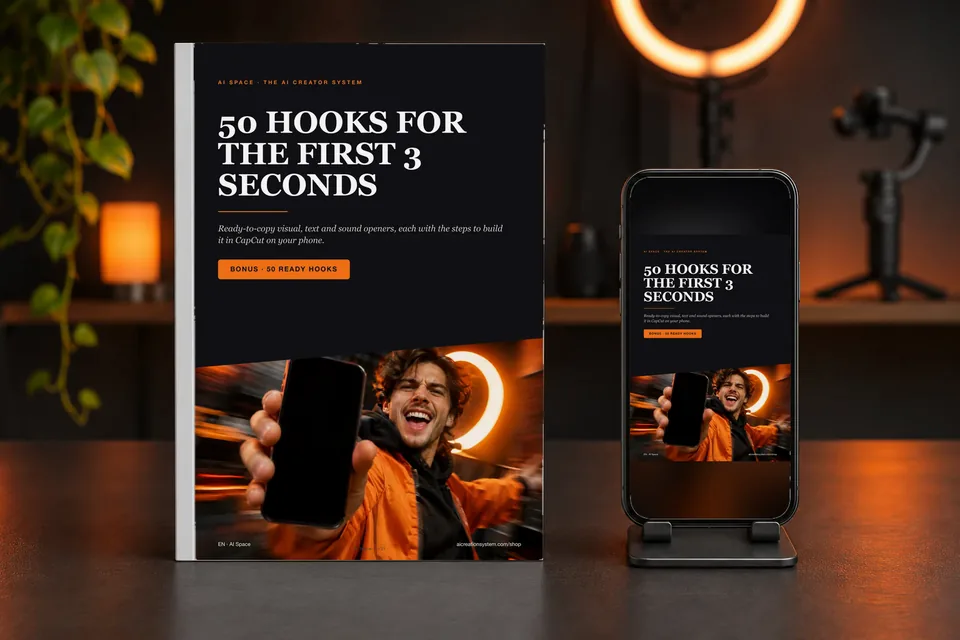 AI-generated contentExtra 01
50 hooks for the first 3 seconds
Ready visual, text and sound openers, each with the steps to rebuild it in CapCut on your phone.
Value$23.00
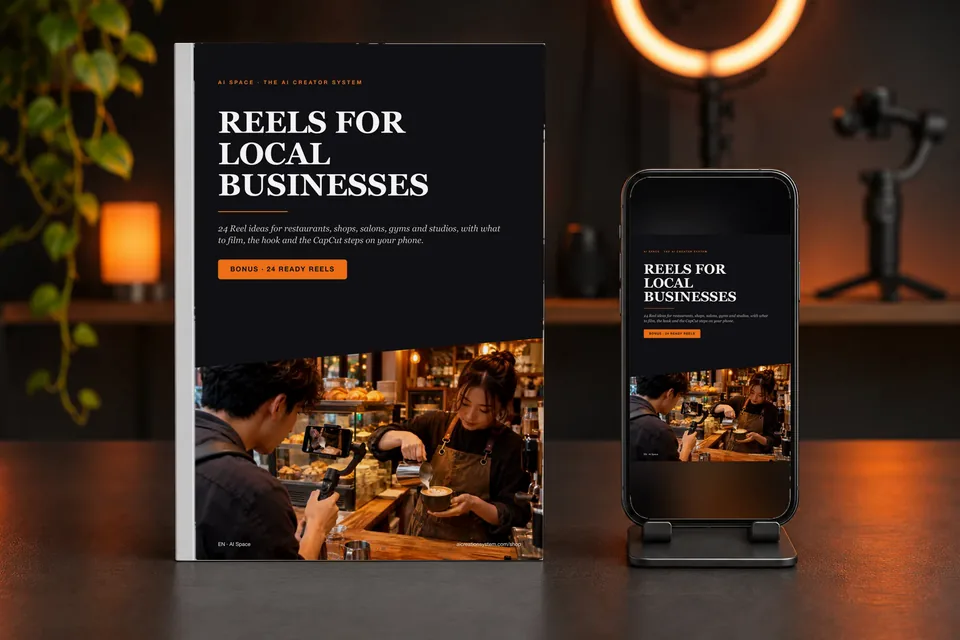 AI-generated contentExtra 02
Reels for local businesses + pitch messages
24 ready reels for cafés, salons, shops and gyms, plus the messages to offer them to business owners.
Value$27.00
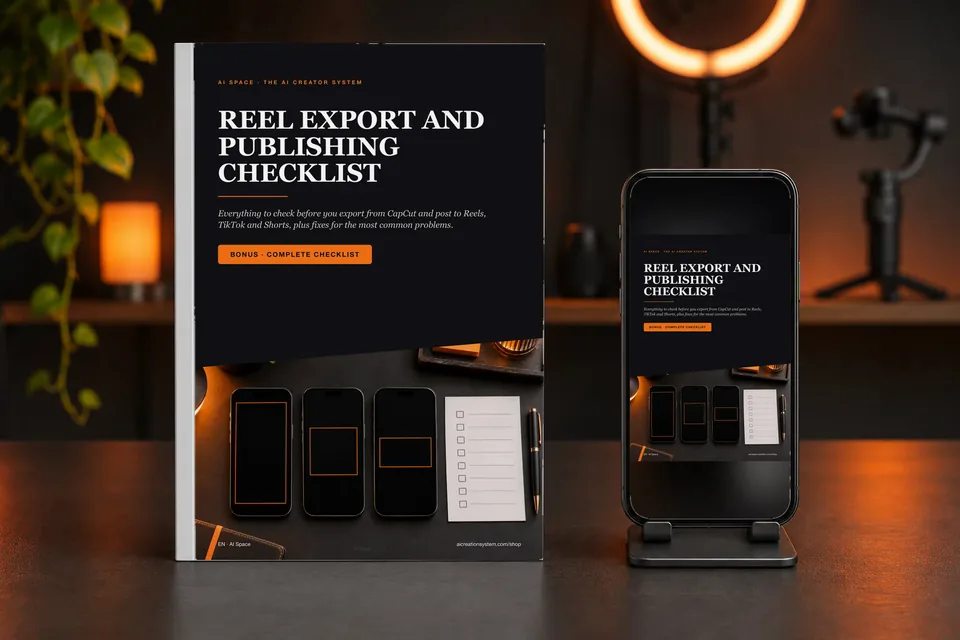 AI-generated contentExtra 03
Export and publishing checklist
Formats, safe zones, audio and export settings: the final check before you post.
Value$11.00
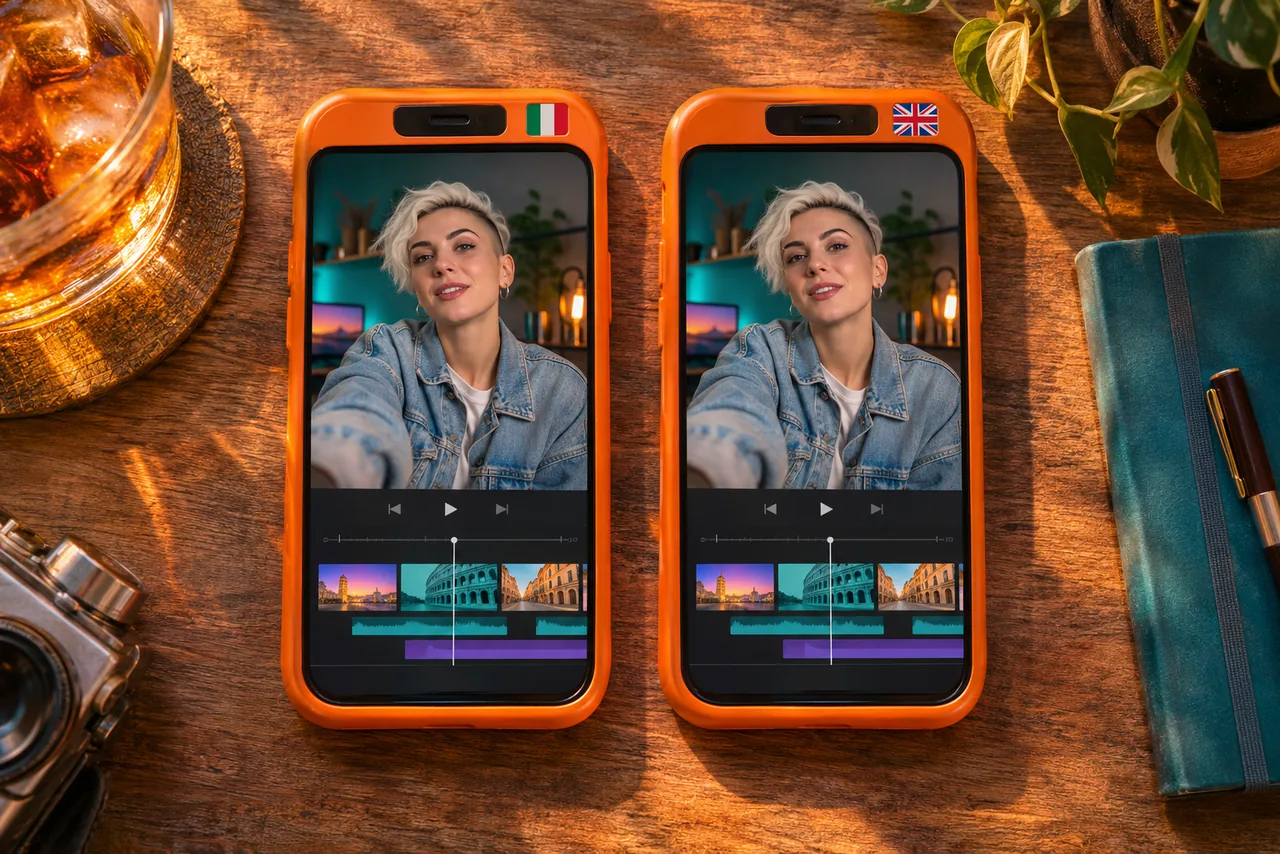 AI-generated contentExtra 04
All 10 lessons in Italian too
The original Italian version with the same demos: same skills, two languages.
Value$35.00
 AI-generated contentExtra 05
Build your AI agent in 5 minutes
Free in your cart with any purchase: the guide to building your own personal AI assistant.
Value$57.00
The bonus math
$222.97
- The 10 CapCut Mobile Mastery lessons
- $69.97
- + The 5 bonuses
- $153.00
Today, all of it for just
$69.97
The lessons and every extra, with one single payment.
Indicative values, estimated on the prices of similar products in our shop; the AI agent has the value shown at checkout. The extras are not sold at these prices.
Who it’s for
For people who want great videos, no computer needed.
It’s not for you if…
- you want to edit long films with studio software
- you want an app that edits by itself without you touching anything
- you want guaranteed followers or income
It’s for you if you want…
- post videos that look made by a pro
- edit wherever you are, with just your phone
- offer videos to local businesses and clients
- finally use all of CapCut’s features, AI included
- spend less time on every video
 AI-generated content
One-time purchase
Pay once. Edit forever.
It’s not a subscription: one purchase gets you the 10 lessons, with lifetime access to the members area. Rewatch them whenever you need a step.
- One-time payment
- Lifetime access
- No subscription
- Italian and English
 AI-generated content
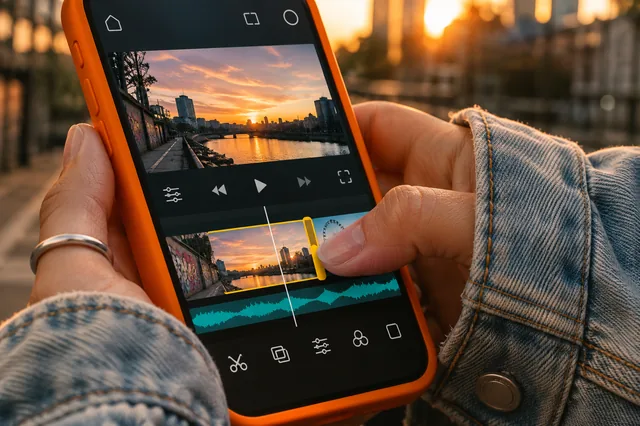
10 lessonsFrom setup to export, in the right order.
 AI-generated content
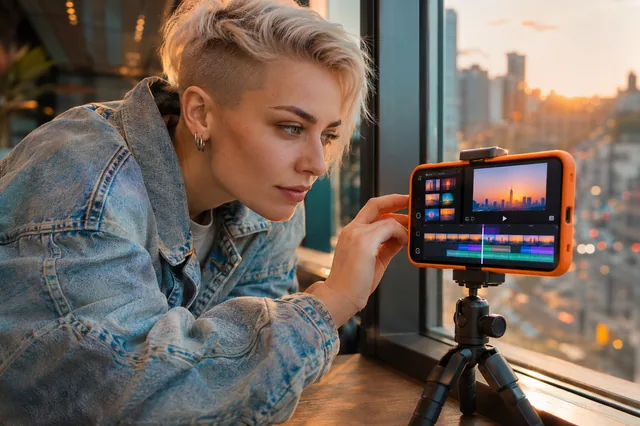
On the phoneRecorded with CapCut open, tap by tap.
 AI-generated content
AI featuresBackground removal, auto captions, slow motion.
 AI-generated content
Lifetime accessRewatch a lesson whenever you need it.
From clips to video
You already have the clips. Now they become videos.
Cuts, text, color, audio and export: a method you repeat for every video, from the phone in your pocket.
I want to edit on my phone
One-time payment · lifetime access
The method, in short
-
01The right projectLesson 1
-
02Cuts on the beatLesson 2
-
03Audio, motion and AILessons 6–8
-
04Templates and exportLessons 9–10
Instant access
After payment you get the email to complete your registration and find the lessons in the members area.
One-time payment
A single payment with Stripe, no automatic renewals.
Clear terms
Before paying you know what access includes and which conditions apply.
Offer
CapCut Mobile Mastery: 10 lessons on your phone.
AI-generated content
CapCut Mobile Mastery
The 10 lessons of CapCut Mobile Mastery, recorded on the phone, in Italian and English, plus three extras: 50 hooks for the first seconds, reels to pitch to local businesses and the export checklist. All in your members area right after payment.
- 3 extras: 50 hooks, local business reels with pitch messages, export checklist
- 10 video lessons recorded on the phone, about 45 minutes
- Cuts, text, color, effects, audio, motion, AI features, how to use presets, and export
- The same lessons in Italian too
- Free in your cart: Build your AI agent in 5 minutes
- Lifetime access to the members area, from computer, tablet and phone
What you buy: the 10 CapCut Mobile Mastery video lessons. CapCut is a third-party app, not included: it has free and paid features.
Access: after payment you get an email to complete your registration and find the lessons in the Courses section of the members area.
Refunds: since this is digital content with immediate access, once purchased and accessed there is no refund for change of mind, except for mandatory legal rights and verified technical cases. Read the refund policy and the terms before buying.
Price: the final total, in euros or dollars, is the one you see at checkout before paying.
FAQ
Questions from people who want to edit on their phone
Clear answers before you buy.
1. How do I get the extras?
Together with the course: after payment you’ll find them in your members area, in Part 1, ready to download as PDFs in Italian and English.
2. Do I need paid CapCut?
Many features are free; some, including certain AI features, may require a subscription. The app decides which, and it can change over time.
3. Will my phone work?
The lessons are recorded on a smartphone, with CapCut for iPhone and Android. You need a phone that runs the app: the store lists the requirements.
4. How long are the lessons?
About 45 minutes in total in the Italian version, split into 10 parts: watch them on breaks and redo the steps right away.
5. Are the English lessons recorded in English?
The English version is dubbed with an AI voice from the Italian one; the demo audio is kept.
6. Can I edit videos for clients?
Yes, the skills are yours. What you charge depends on your market and finding clients takes sales work: no income is guaranteed. Only use music and content you have the rights to.
7. What exactly do I get after paying?
An email to complete your registration. From there you enter the members area and find CapCut Mobile Mastery in the Courses section: 10 lessons in Italian and 10 in English.
8. Can I get a refund?
Once you purchase and access digital content there is no refund for change of mind or non-use, except for mandatory legal rights and verified technical cases. All the details are in the refund policy and the terms.
9. How can I pay?
By card through Stripe’s secure checkout; where your device supports it, Apple Pay or Google Pay also appear. It’s a one-time payment, with no automatic renewals.